 prawel.pl
Take a little time for colour.
Chill Colours
Relaxing colouring book
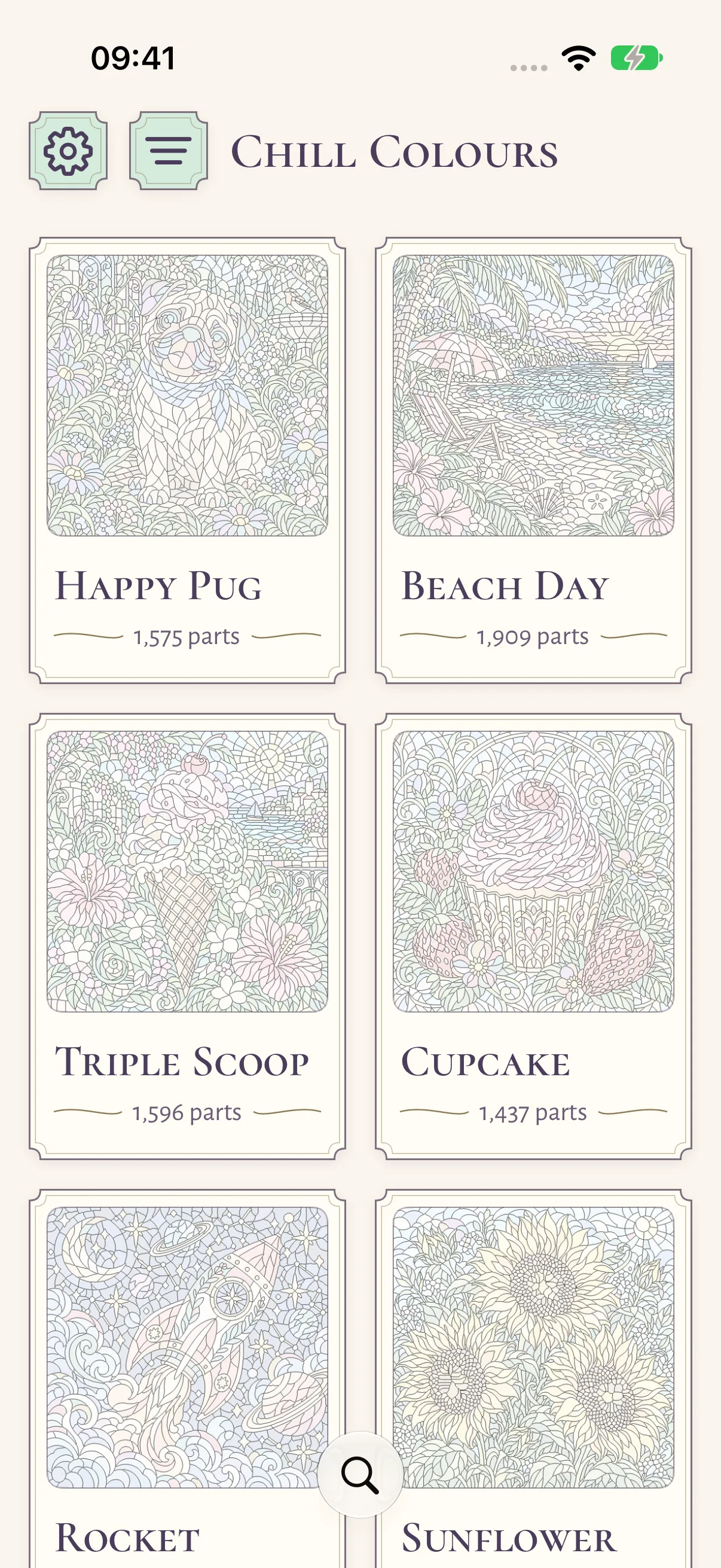
A quiet colouring studio for iPhone and iPad. Explore 100 pictures, start with gentle colour guides, or choose a blank canvas and make every detail yours.
 Version 1.1.0
iPhone & iPad
21 parts to colour
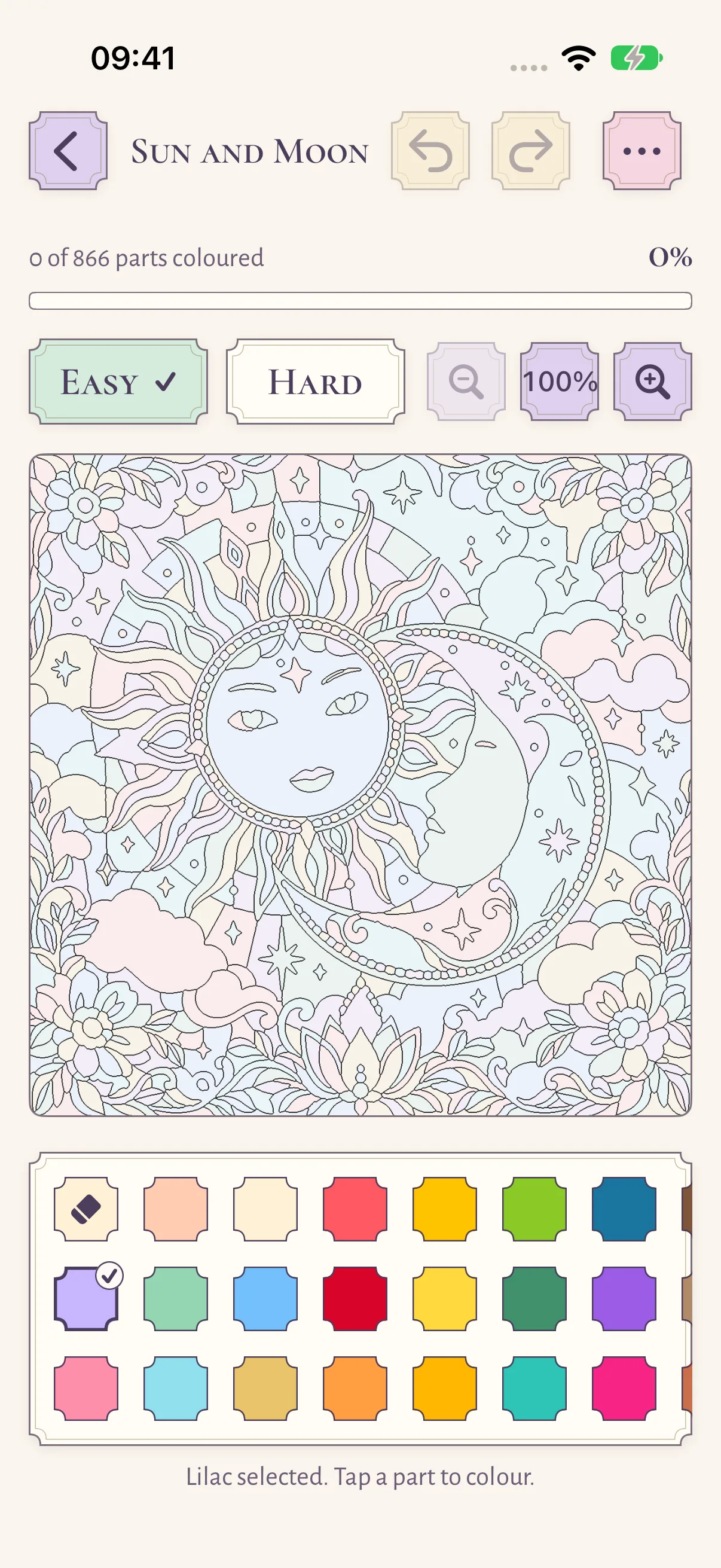
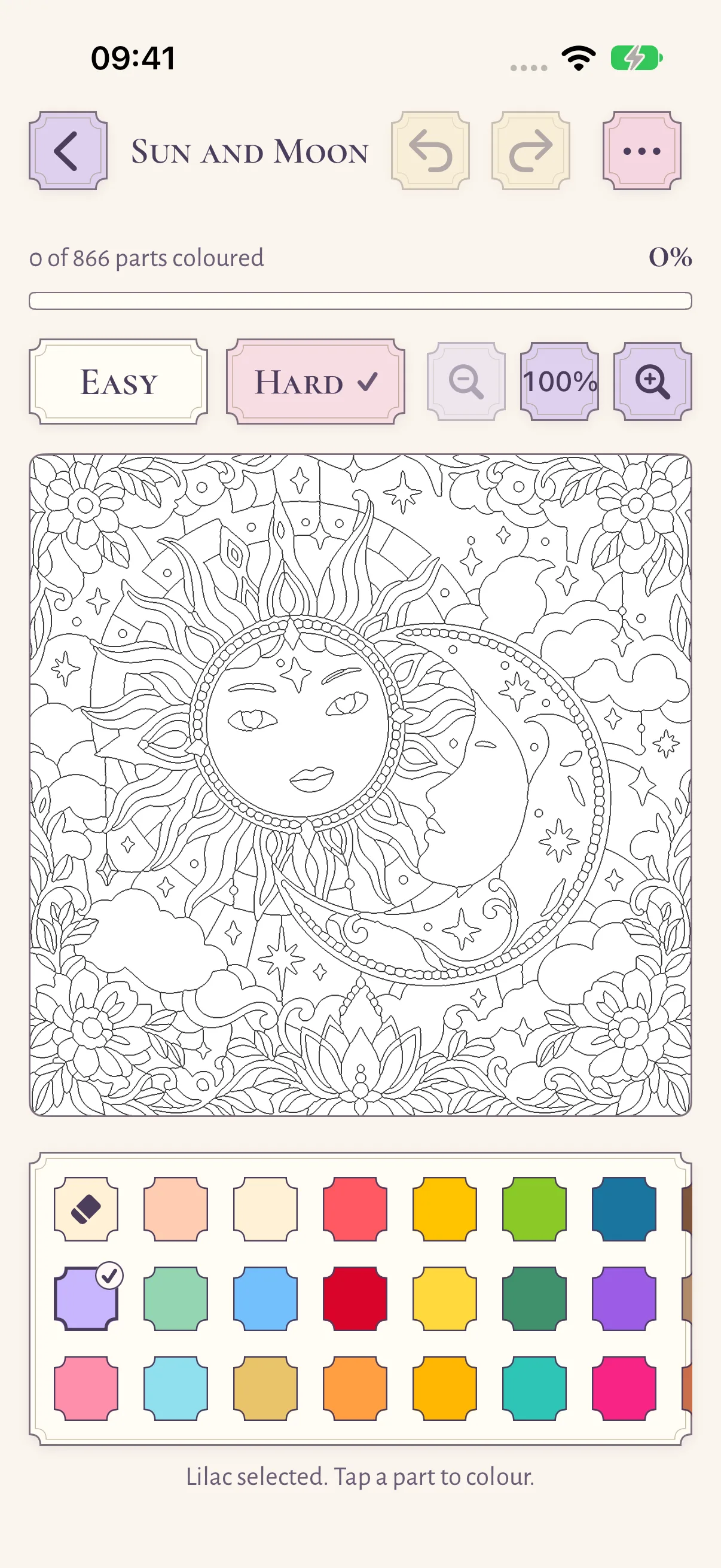
Lilac selected. Tap a part to colour.
100 pictures to explore
412 to 2,466 parts each
-
Animals
12 pictures
Happy Pug, Kitten, Fennec Fox
-
Birds
10 pictures
Barn Owl, Peacock Garden, Hummingbird
-
Ocean
11 pictures
Tropical Fish, Sea Turtle, Octopus Garden
-
Gardens
12 pictures
Sunflower, Butterfly, Rose Arbour
-
Places
12 pictures
Beach Day, Cozy House, Lighthouse Point
-
Food
12 pictures
Triple Scoop, Cupcake, Berry Tart
-
Space
11 pictures
Rocket, Moon Garden, Solar System
-
Adventure
10 pictures
Sailing Adventure, Hot Air Balloon, Forest Camper
-
Patterns
10 pictures
Floral, Ocean and Woodland Mandalas
A gentle start, or a fresh canvas
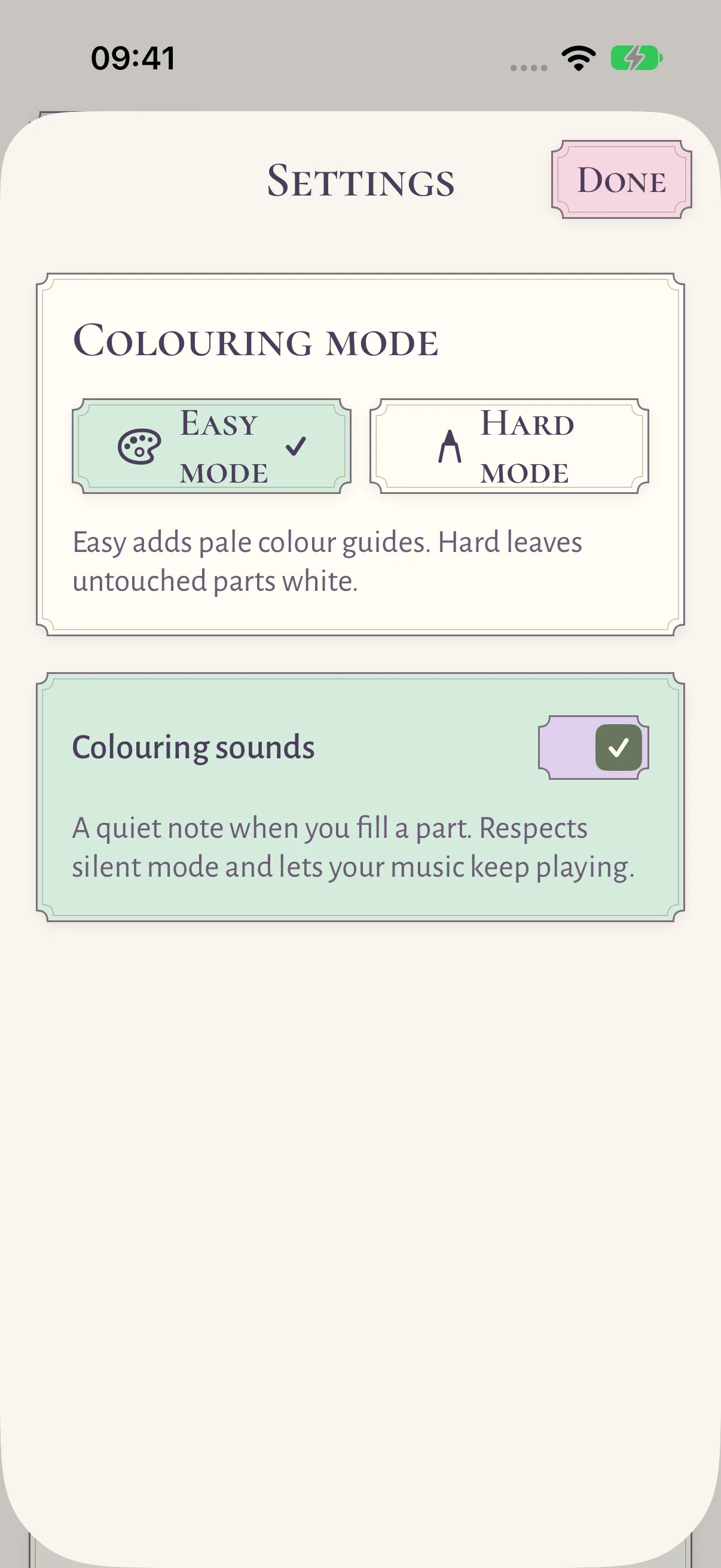
Easy mode is ready from the start, with pale colour guides in every untouched part. Choose Hard mode for white interiors and a palette entirely of your own choosing.
Small details, your own pace
Choose from 29 colours, erase a part, undo a stroke or start again. Pinch to zoom, move around the picture and get closer to its finer details.
Pick up where you left off
Your colouring progress and preferences are saved on your device. All pictures are included in the app, so you can colour offline without an account.
Colour comfortably
Use larger text, choose colours by name, or paint through a list of parts with position and colour descriptions. Gentle original lo-fi music can accompany your colouring.
What's inside
- 100 pictures across nine categories, searchable by title or category
- Easy mode with pale colour guides, or Hard mode with white interiors
- 29 colours and an eraser, up to eight custom colours, and recent colours first
- Find a remaining part zooms to an uncoloured part and pulses its outline
- Continue colouring row, Show filters, and favourites in the gallery
- A Finished panel and a soft chime when the last part is coloured
- Progress, favourites, and colours sync through your own iCloud
- Continue colouring widget for the home screen, small and medium
- Share or export your picture as a PNG
- VoiceOver part painting, colours by name, and Dynamic Type
In the app
Editions
-
10 changes
Added
- Continue colouring row at the top of the gallery for recently edited, unfinished pictures, and a Show filter for In progress, Not started, Finished and Favourites, combinable with category and search.
- Favourites from a card's context menu, a VoiceOver action or the editor's Page options, with a heart on the card.
- Finished panel with a soft chime when the last part is coloured, and a Finished seal on gallery cards. Reduce Motion and the Colouring sounds setting are respected.
- Find a remaining part zooms to the next uncoloured part and pulses its outline; VoiceOver selection and an announcement follow.
- Recent colours: the last five colours painted lead the palette.
- Custom colours: up to eight colours mixed with the system colour picker. Removing a swatch never changes parts already painted with it.
- iCloud sync of colouring progress, favourites, recent and custom colours through your own iCloud key-value storage; newest edit wins.
- Continue colouring widget, small and medium, for the most recently coloured picture.
Changed
- All 90 expansion pictures have real subtitles in all seven languages, shown on gallery cards and included in search.
Fixed
- Tapping Reset zoom right after Find a remaining part is no longer overridden by the focused zoom.
-
1 change
- First release: 100 offline pictures in nine categories with 412 to 2,466 colourable parts each, 29 colours and an eraser, Easy and Hard modes, zoom and pan, undo and redo, PNG share and export, quiet fill sounds and optional lo-fi music, VoiceOver part painting, Dynamic Type, and seven languages.
Privacy
No accounts, analytics, advertising, or network APIs. Pictures are in the app; progress stays on your device or in your own iCloud.
Read the full privacy details
Chill Colours has no accounts, advertising, analytics, or network APIs.
Your colouring
All pictures are included in the app. Colouring progress, favourites, colours, and preferences are stored on your device.
iCloud
If you use iCloud, progress, favourites, and recent and custom colours sync through your own iCloud key-value storage, managed by Apple.
Sharing
A picture leaves the app only when you share or export it.
Questions or a picture that won't colour? Write to contact@prawel.pl with the app version, the iOS version, and the picture's name.
Next projectE-book Foliohttps://prawel.pl/projects/chill-colours/