
prawel.pl
Menu

Current projects

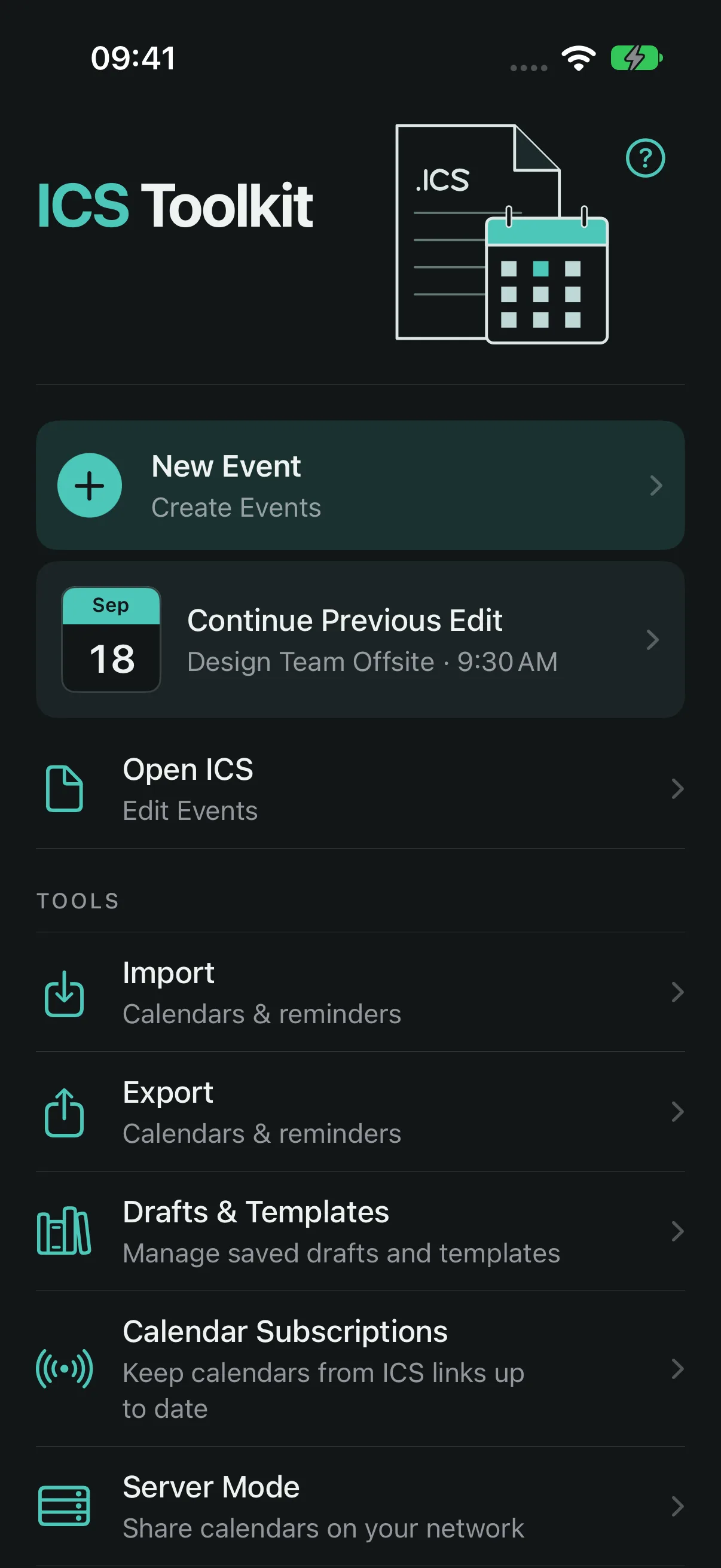
01 ICS Toolkit Calendar file utility v2.1.0 iPhone + iPad

Create and edit events, import calendars from files or links, transfer Reminders lists, export a selected calendar, or sync calendars directly with a Mac over the local network.
built with
Swift / iOS / iCalendar / EventKit / CalDAV
  • Create timed or all-day events with explicit time zones
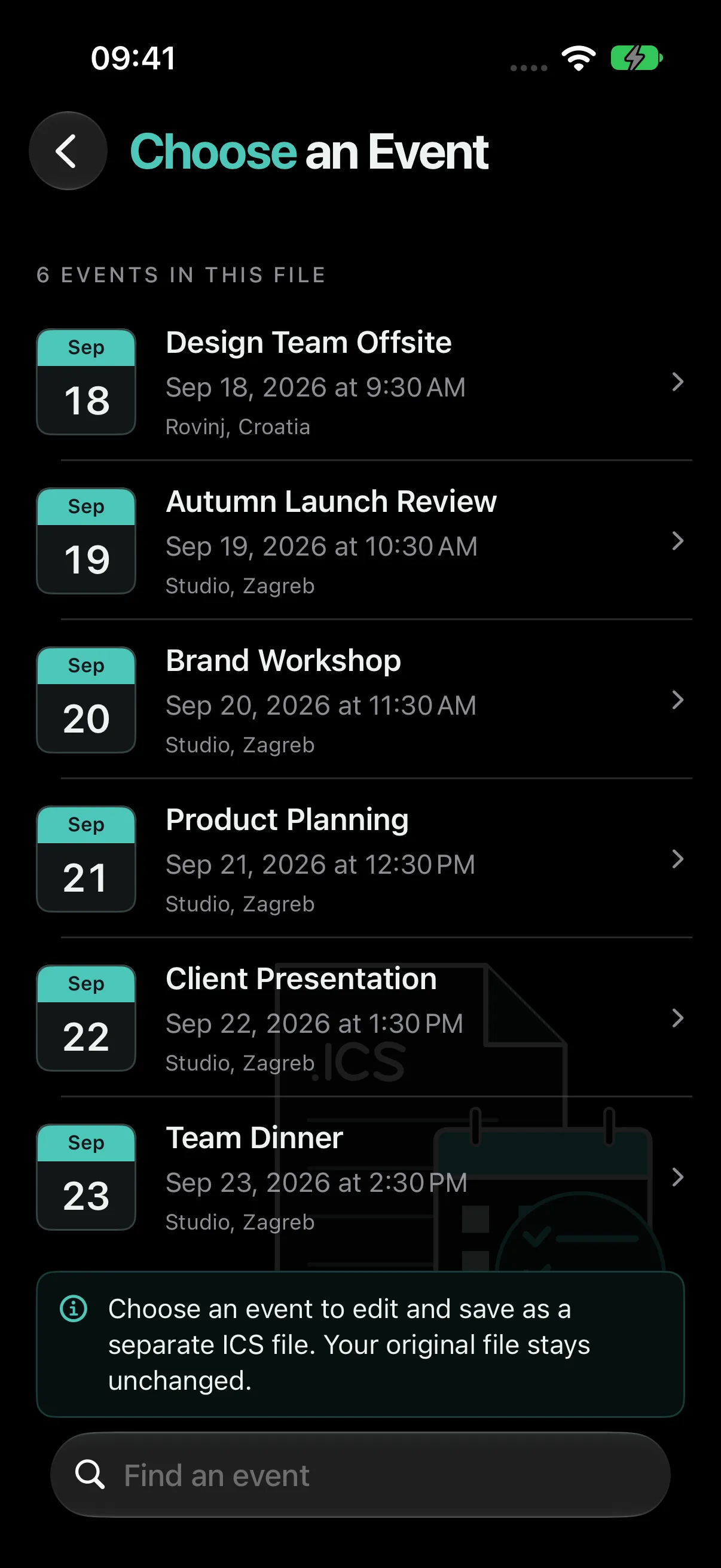
  • Search and edit an individual event from a multi-event ICS file
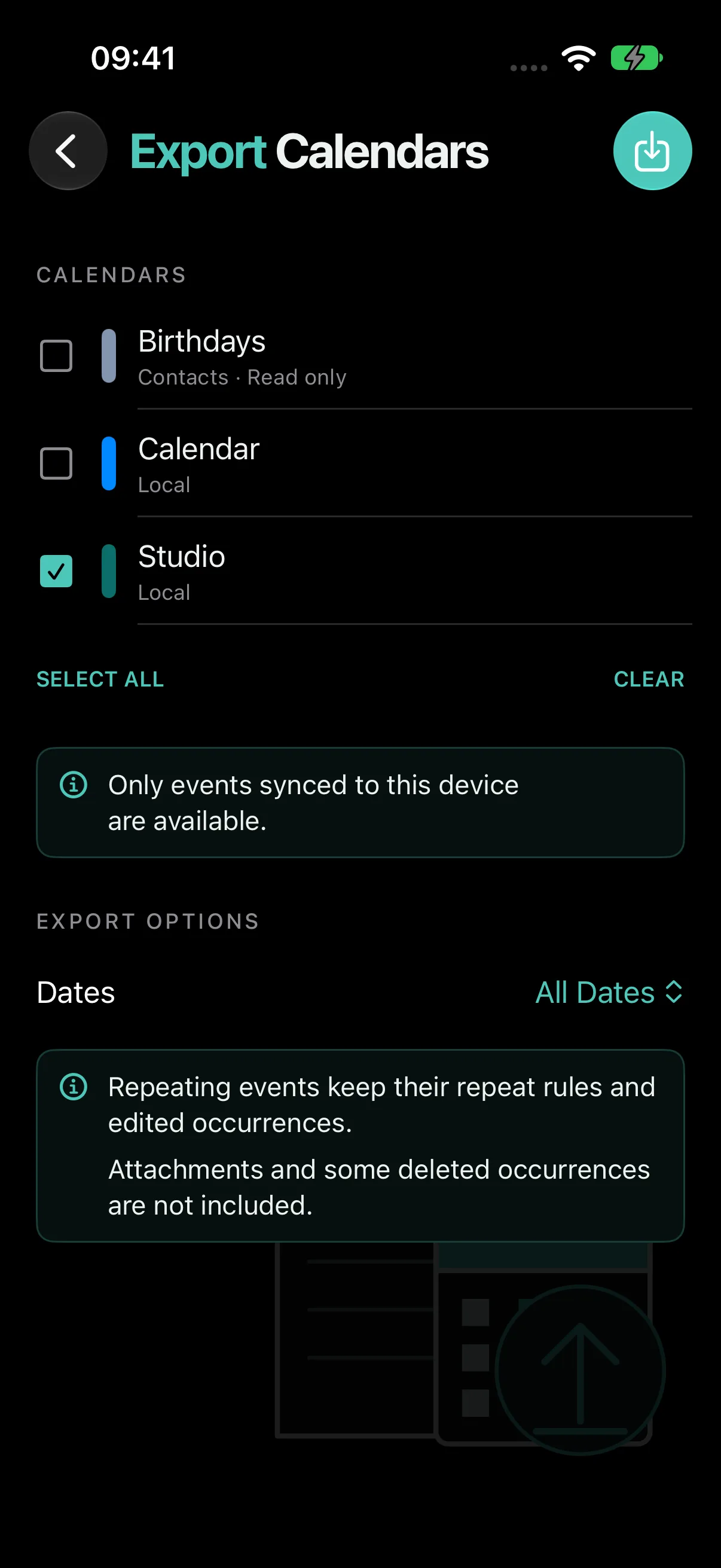
  • Export a selected calendar to one ICS file with repeat rules and edited occurrences
ICS Toolkit home screen in dark mode with New Event, Open ICS, Import, Export, Drafts and Templates, Subscriptions, and Server ModeICS Toolkit calendar export screen in dark mode with calendars to choose and export optionsICS Toolkit searchable event chooser in dark mode listing events from an ICS file
02 Visual REST Client Graphical HTTP client v1.4.0 VS Code + iPhone + iPad

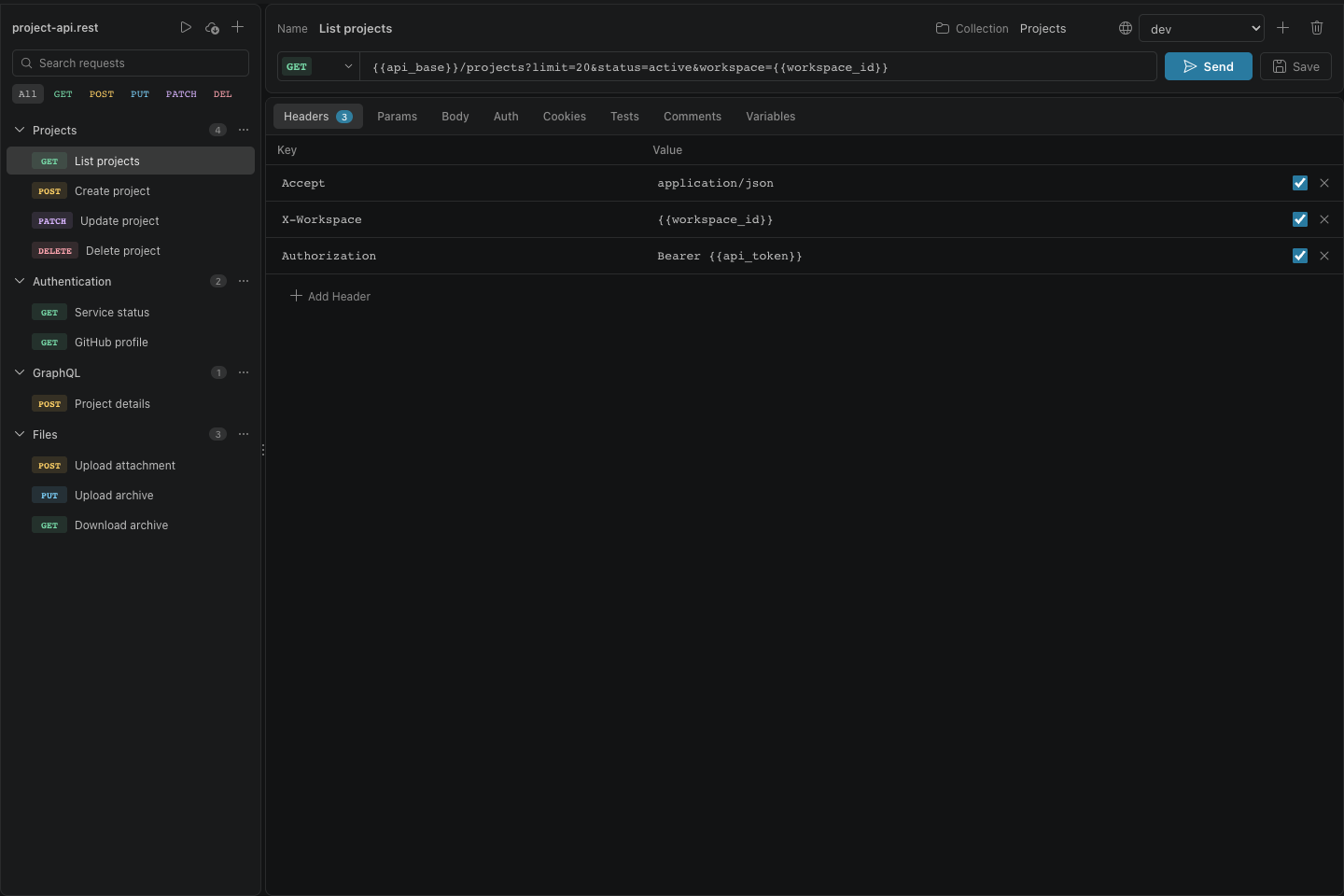
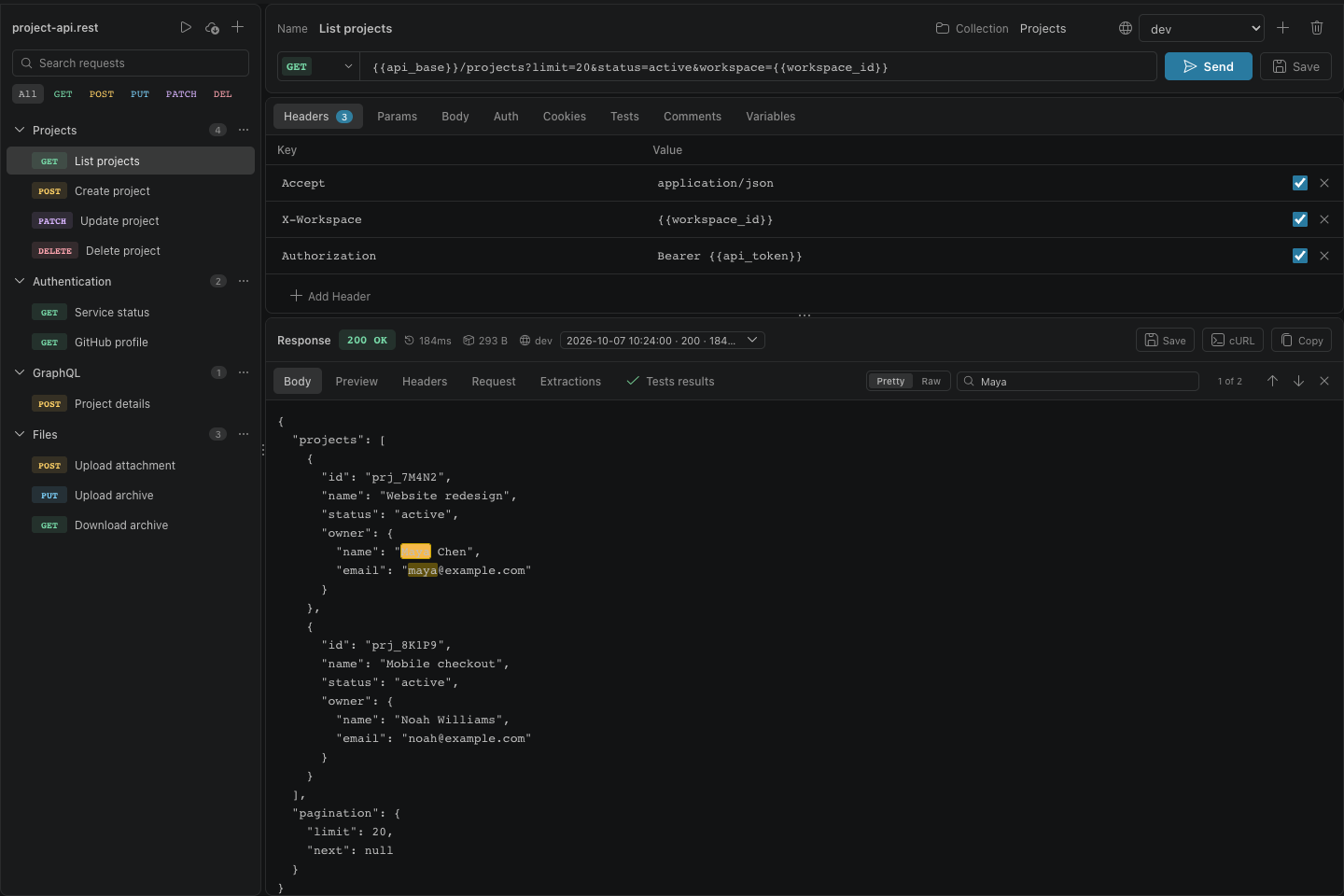
Edit and run version-controlled .rest and .http files with visible request resolution and automatic, isolated cookie sessions, in VS Code and in a native app for iPhone and iPad.
built with
TypeScript / VS Code / HTTP / OAuth 2.0
  • Visual editing for .rest and .http requests while preserving the source format
  • Searchable request sidebar with collections, filters, reordering, and duplication
  • Built-in sender with automatic cookie reuse, cancellation, redirects, compression, and response limits
Visual REST Client overview with request sidebar, URL, headers, and editor tabsVisual REST Client response panel with formatted JSON body and request metrics
03 IRCpug Native IRC client v1.4.0 iPhone + iPad

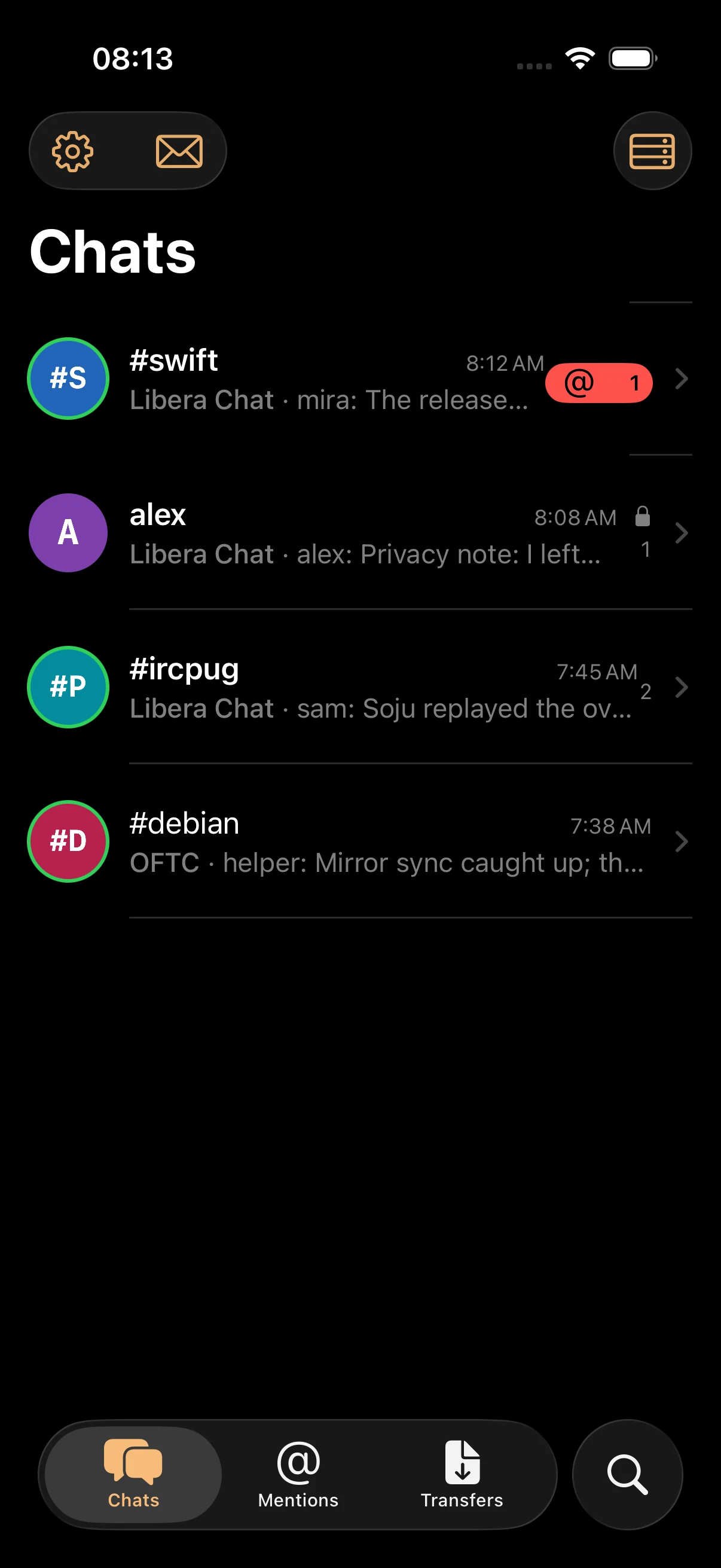
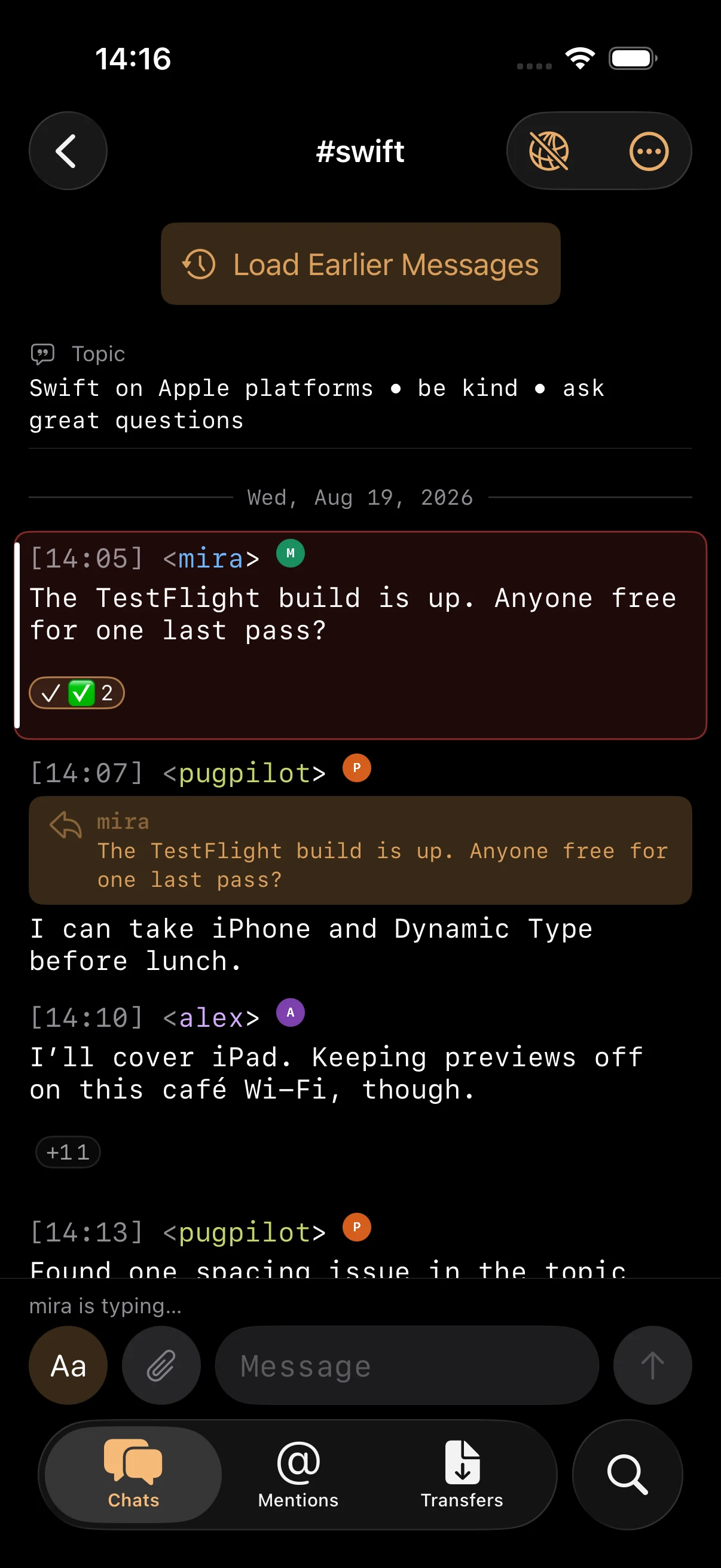
Connect to multiple IRC networks, search your chat history on device, and use IRCv3 features and bouncers on iPhone and iPad.
built with
Swift / SwiftUI / IRCv3 / Network.framework
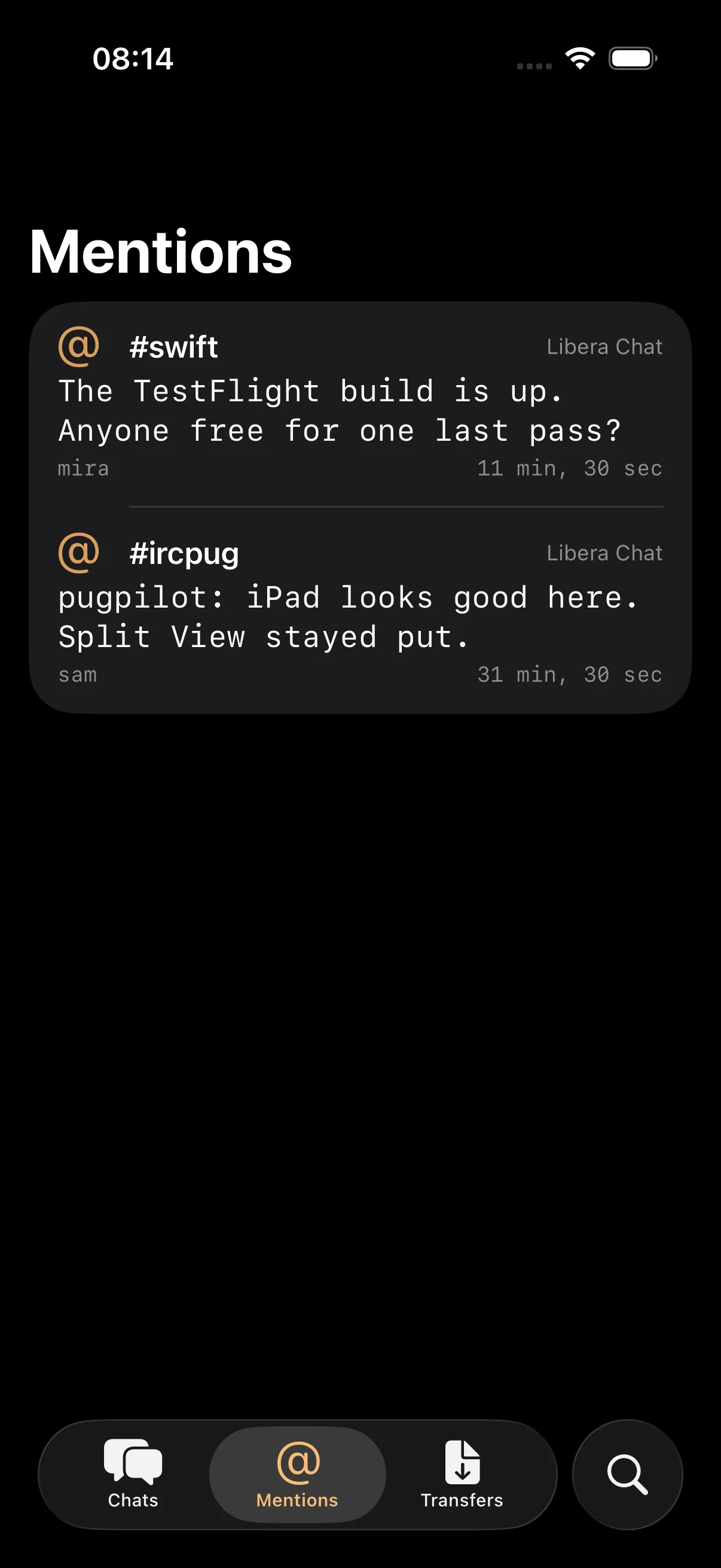
  • Native multi-network workspaces for server messages, channels, queries, mentions, invitations, and transfers
  • Direct TCP, implicit TLS, STARTTLS, and WebSocket connections with automatic reconnect and IPv4/IPv6 controls
  • SASL PLAIN, EXTERNAL, OAUTHBEARER, and SCRAM authentication with credentials and client identities kept in Keychain
IRCpug Chats screen showing conversations across Libera Chat and OFTC in dark modeIRCpug channel conversation with timestamps, colored nicknames, reactions, replies, and the message composerIRCpug Mentions screen collecting highlighted messages from multiple channels
04 WavVv Music Player Music player v2.2.0 iPhone + iPad

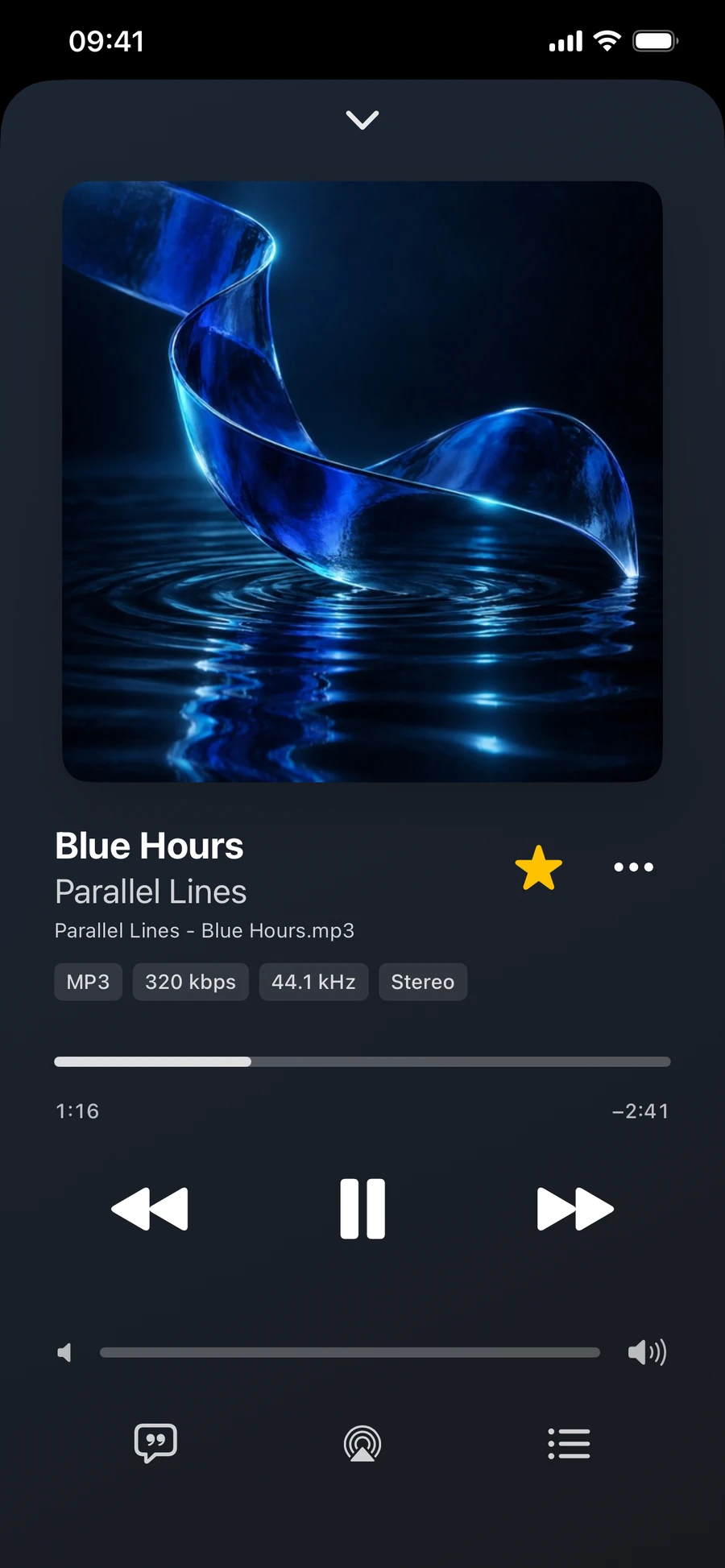
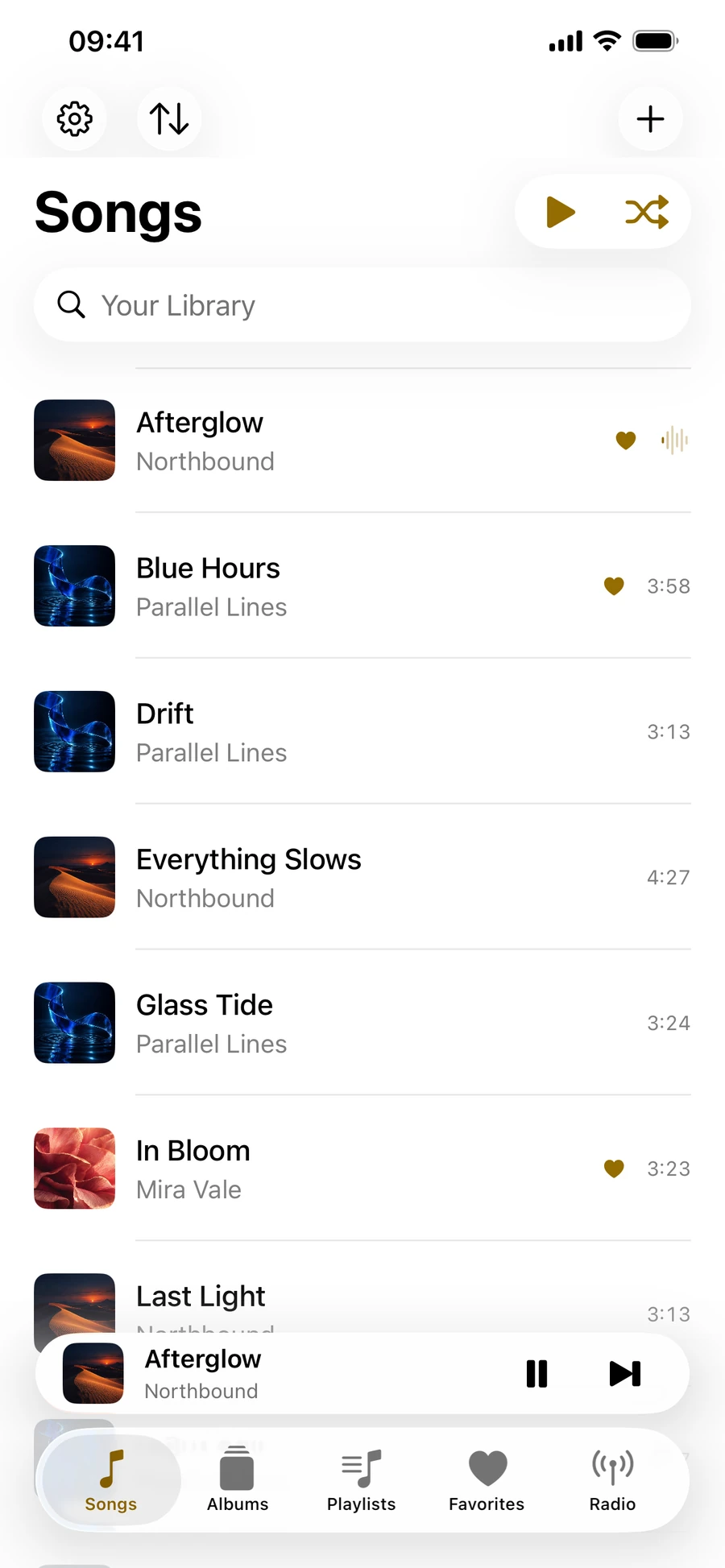
Your own music files, playlists with custom covers, and internet radio in one native player. Browse your collection, check audio quality, and edit the details in your original files.
built with
Swift / SwiftUI / iOS / AVFoundation
  • Add individual audio files or scan folders and subfolders while keeping files in their original location
  • Create playlists, choose custom cover images, and arrange songs in your preferred order
  • Save HLS, direct MP3/AAC streams, and M3U/PLS station links with names and custom artwork
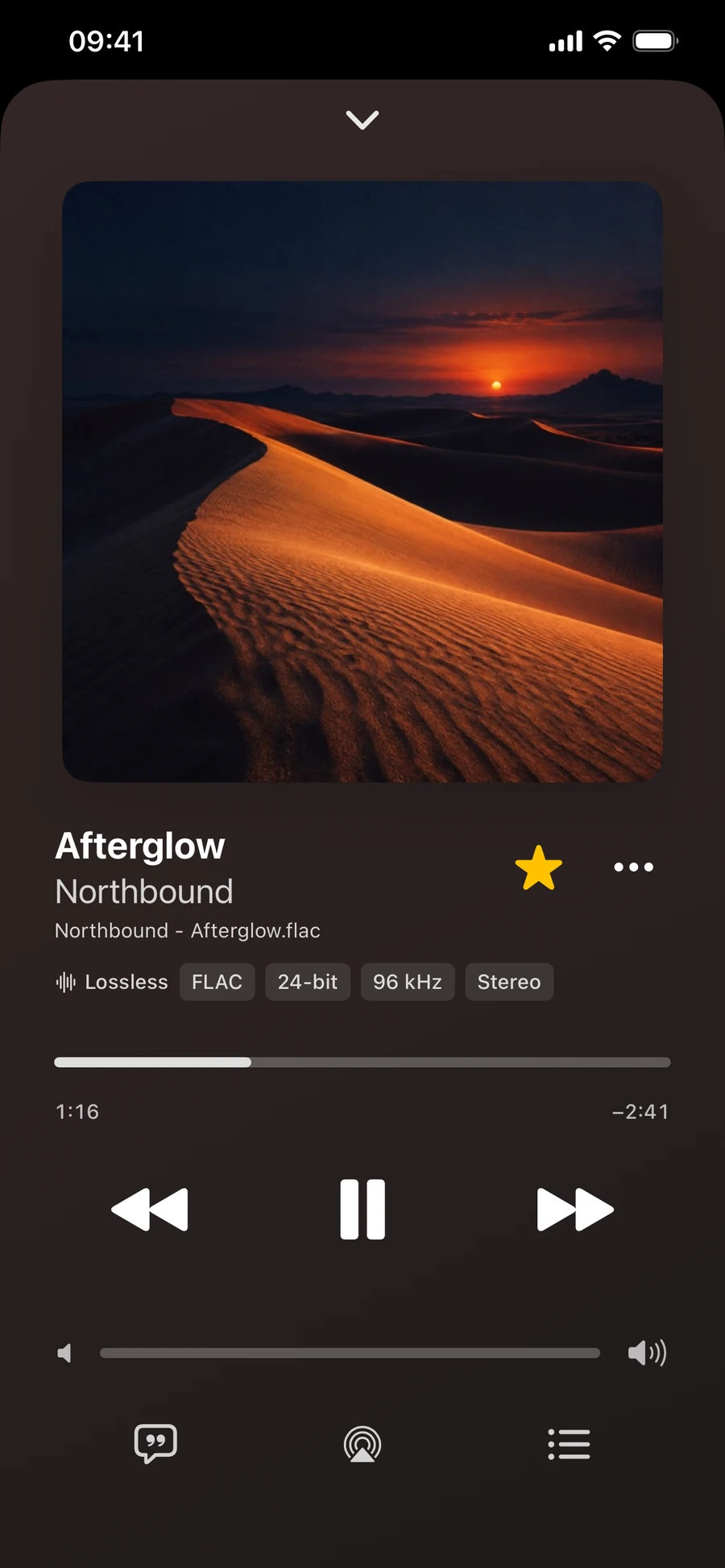
WavVv Music Player: Now Playing with album artwork, filename, audio quality badges, and playback controls in dark modeWavVv Music Player: Songs library in light mode with album covers, yellow playback controls, and the mini playerWavVv Music Player: Now Playing showing the current file’s audio format, bit depth, sample rate, and channel information
05 Kweezzie Local multiplayer trivia v1.2.2 iPhone + iPad

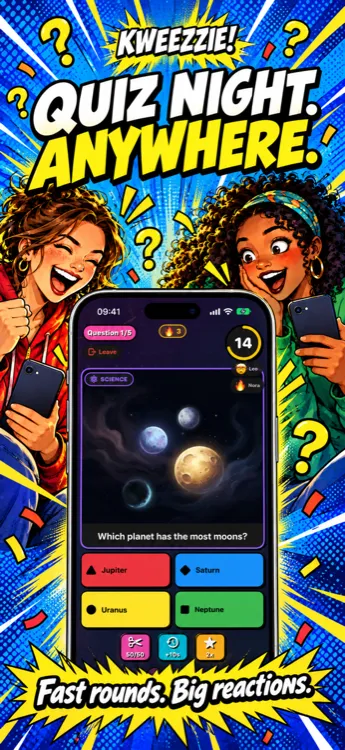
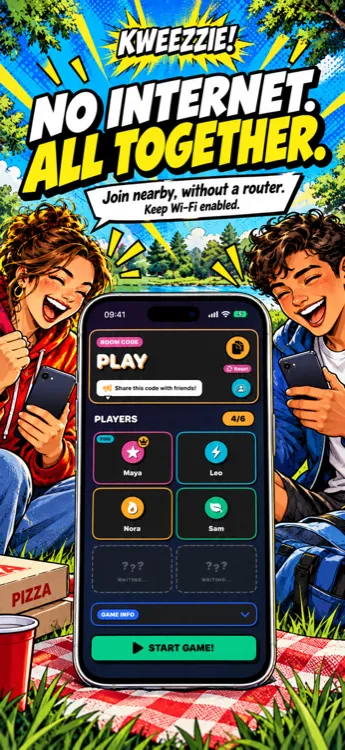
Nearby devices become one live trivia room for up to six players. No accounts and no central game server required.
built with
Swift / iOS / Multipeer / SharePlay
  • Nearby multiplayer over Wi-Fi and Bluetooth with simple room-code joining
  • Fast questions with time bonuses, answer streaks, and live leaderboards
  • Three tactical power-ups: 50/50, extra time, and double points
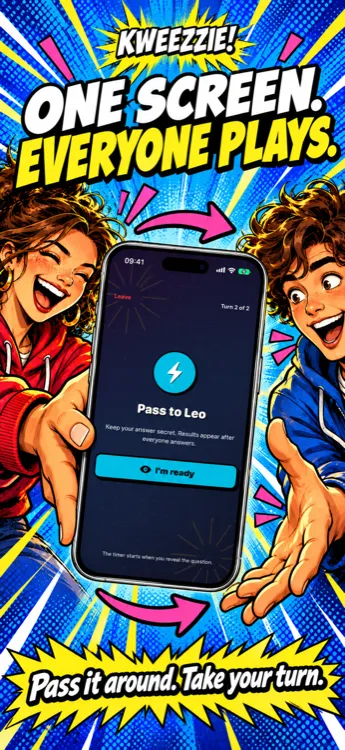
Kweezzie quiz game in night mode with four answer options and timerKweezzie offline multiplayer game with friends on the same Wi-Fi networkKweezzie pass-and-play mode with private handovers and separate timers for each player
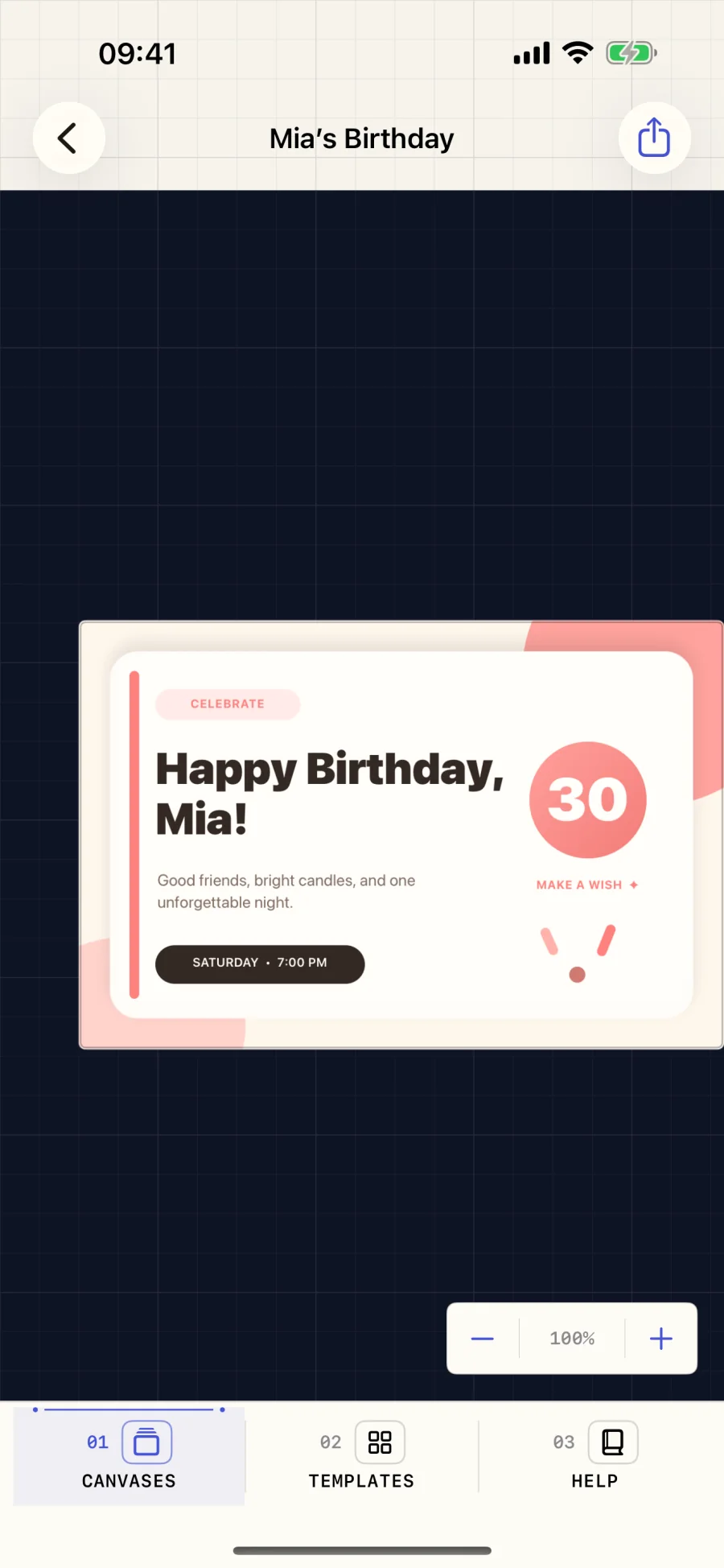
06 Shortcut Canvas Shortcuts image toolkit v1.2.0 iPhone + iPad

Build reusable images inside Apple Shortcuts, from customizable templates or individual drawing actions, then render PNG or PDF files.
built with
Swift / App Intents / Core Graphics / Shortcuts
  • Create persistent canvases and pass them between Shortcuts actions
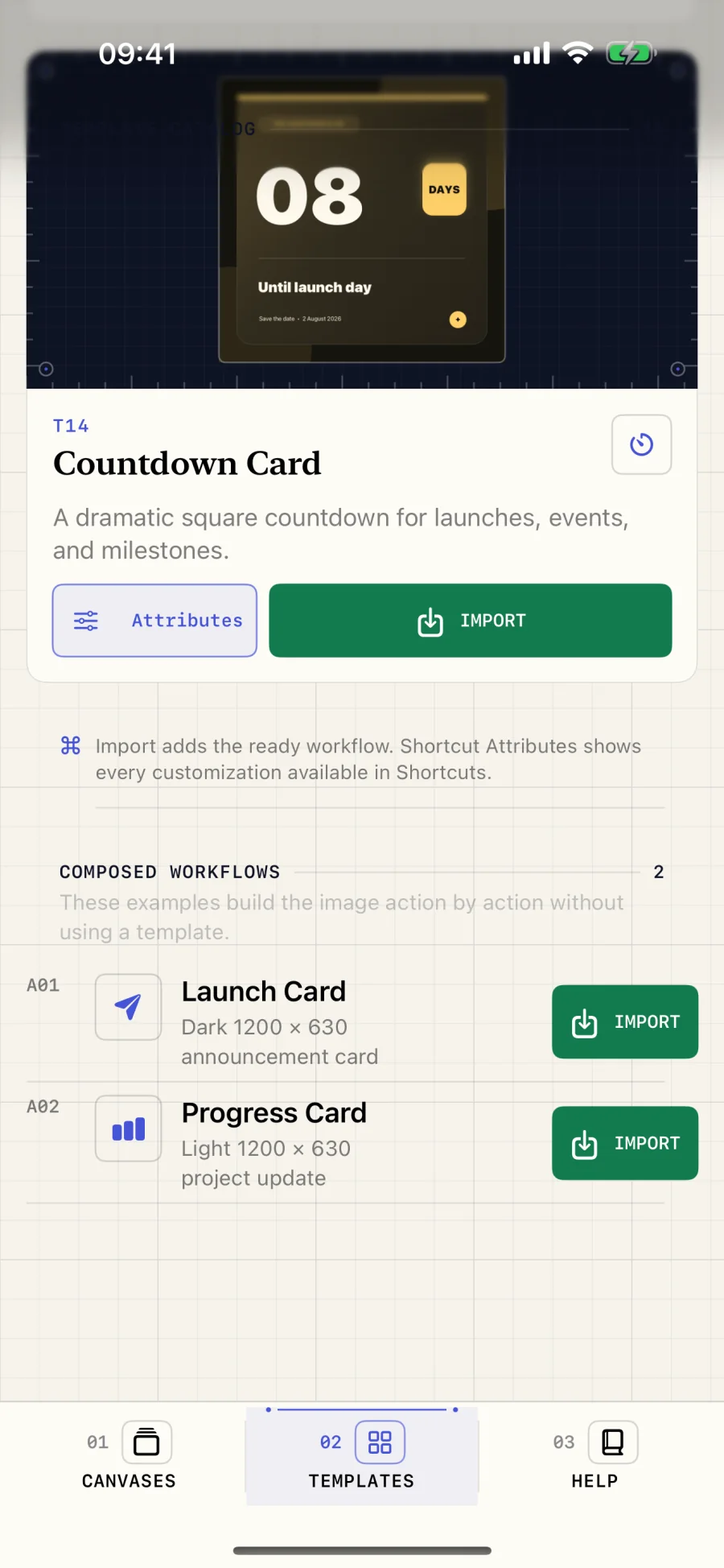
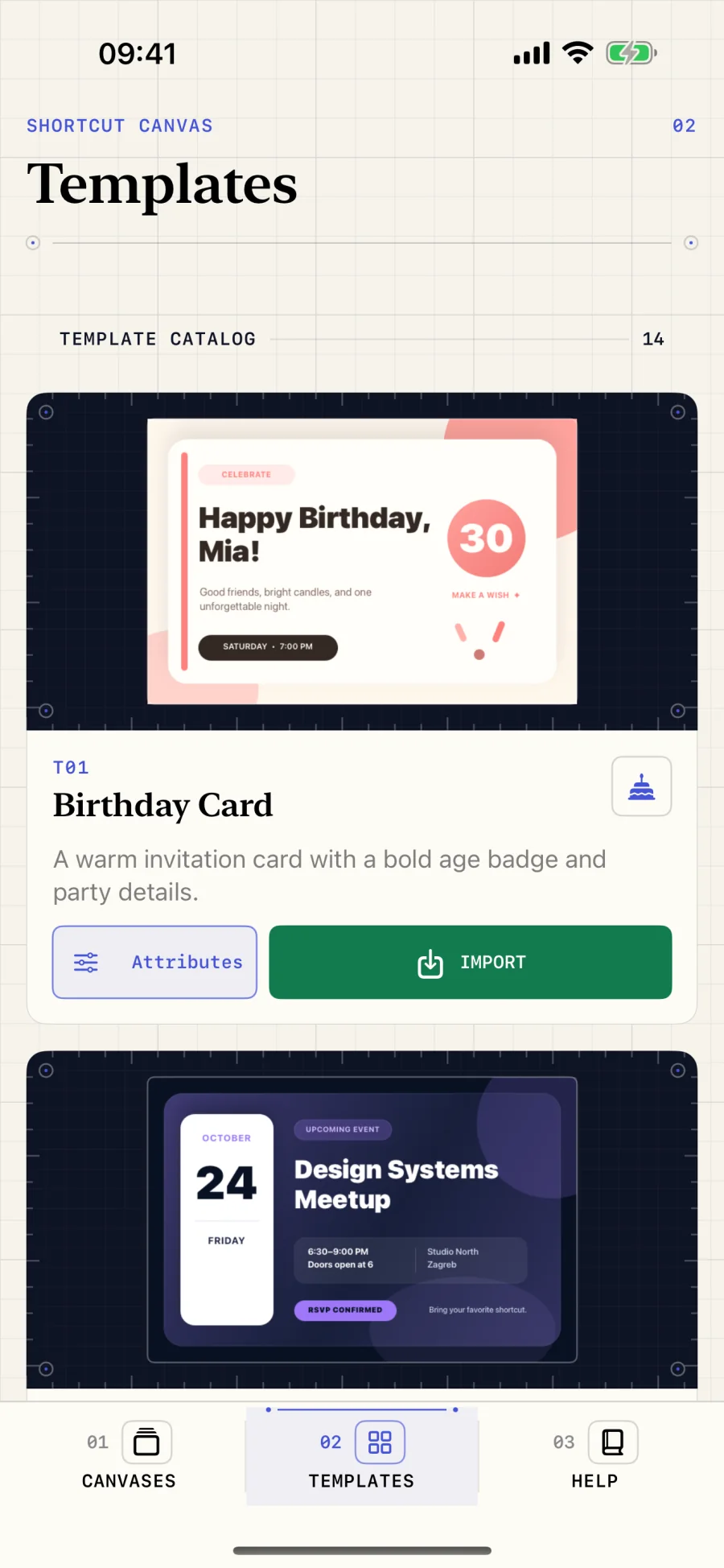
  • Start with 18 customizable templates for social posts, cards, tickets, certificates, and more
  • Compose original layouts from styled rectangles and text
Shortcut Canvas template catalog with customizable birthday and event card designsShortcut Canvas preview showing a finished birthday card ready to exportShortcut Canvas examples screen with template workflows and action-by-action compositions

Latest articles

All articles