File-first Markdown notes · iPhone, iPad & Mac
Folder & Ink
A native Markdown notebook that works directly with files and folders you choose—without an account or developer-operated cloud.
The product
Built around the job.
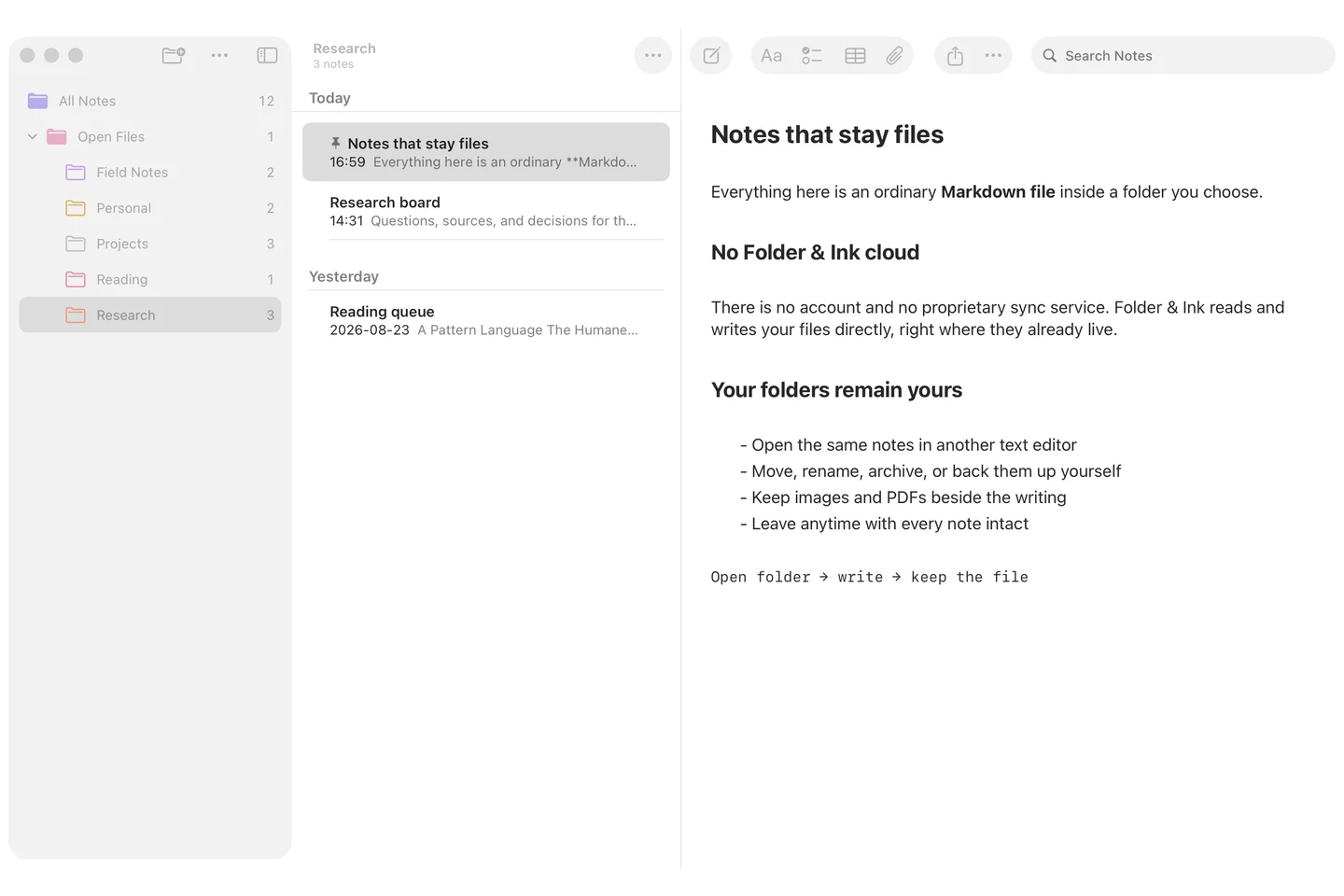
Folder & Ink brings a focused native writing workspace to ordinary Markdown files on iPhone, iPad, and Mac. Open an existing folder or begin with its local library; write, organize, and search while keeping images, PDFs, and other attachments beside the text. The folder hierarchy remains the source of truth, with no account, proprietary note database, or Folder & Ink cloud between you and your files.
- Role
- Product design & engineering
- Release
- Pending
- Status
- In development
Problem & decisions
The difficult part is the behavior.
Most polished note editors make a proprietary database or sync service the source of truth. Working directly with user-selected folders instead means external changes, moves, saving, and recovery must stay dependable across iOS and macOS.
- 01
Keep folders authoritative
Markdown files and nearby attachments remain the durable source of truth instead of being imported into a proprietary note database.
- 02
Treat external change as normal
Folder monitoring, coordinated file access, explicit saves, and recovery paths are designed for files that can move or change outside the app.
- 03
Make privacy structural
There is no account or Folder & Ink cloud; the app works locally and uses file-provider synchronization only when the user deliberately chooses such a folder.
- Ordinary Markdown files
- No Folder & Ink cloud
- iPhone, iPad & Mac
Privacy by design
Your data stays yours.
No account, advertising, analytics, diagnostics, or Folder & Ink cloud. Notes remain files in folders you choose.
Read the full privacy details
Folder & Ink does not collect personal information, usage analytics, diagnostics, advertising identifiers, or tracking data. It requires no account and has no developer-operated cloud service.
Your notes and settings
Notes and attachments are ordinary files read from and written to folders you choose on iPhone, iPad, or Mac. App preferences and folder-access records remain on the device; encryption keys for locked notes are stored in the system Keychain.
Folders you choose
If you choose a folder managed by iCloud Drive or another file provider, that provider may synchronize or process your files under its own privacy policy. Folder & Ink does not operate that synchronization or send a copy to prawel.pl.
External services
Displaying a web-link preview may request metadata from the linked website through Apple’s Link Presentation framework. Optional audio transcription uses Apple’s Speech framework and stays on device when the device supports it; otherwise Apple’s service may process the audio. Content is otherwise shared or exported only when you choose.
Capabilities
What it handles.
Each capability earns its place by removing effort, reducing ambiguity, or making the product safer to rely on.
-
Work directly with ordinary Markdown files in folders you choose
-
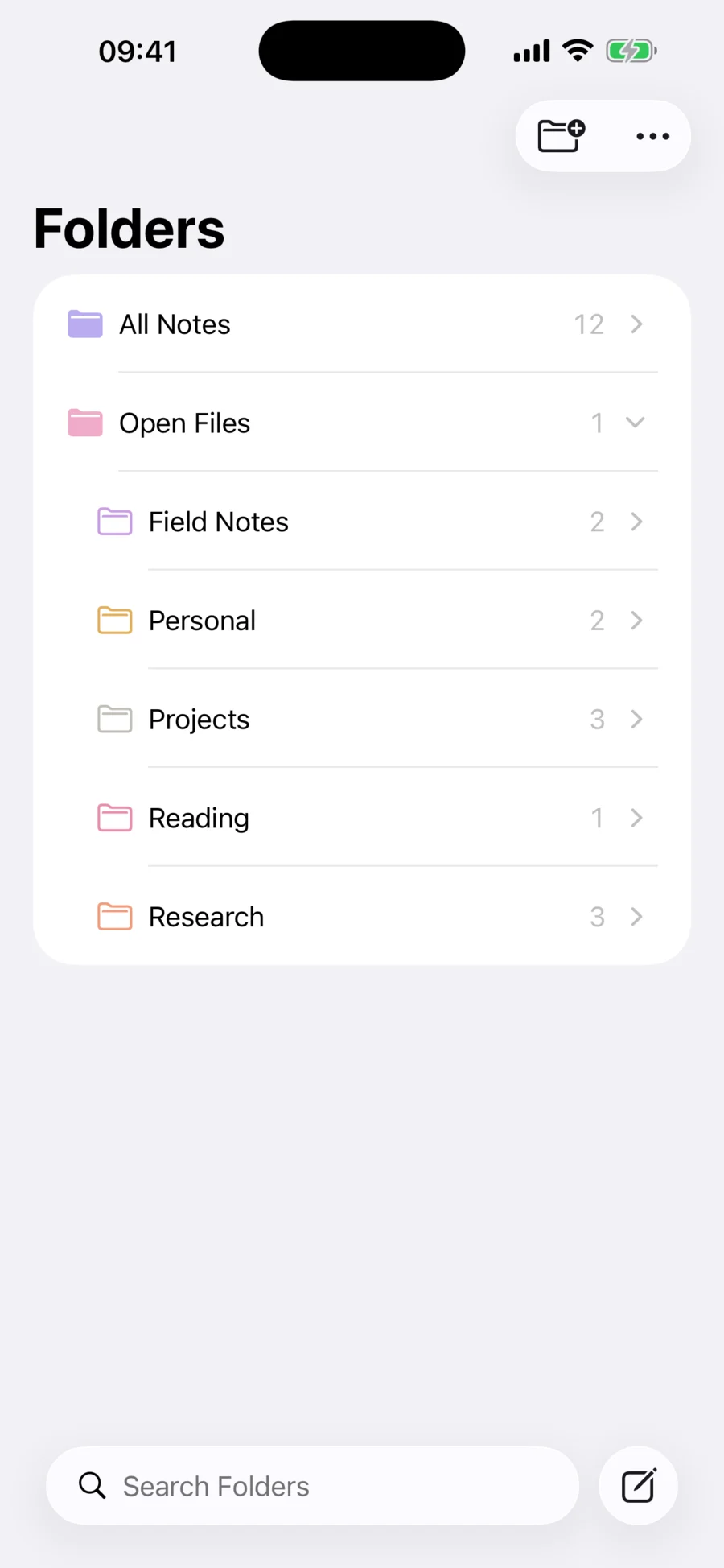
Open existing nested folder hierarchies or start with an app-local library
-
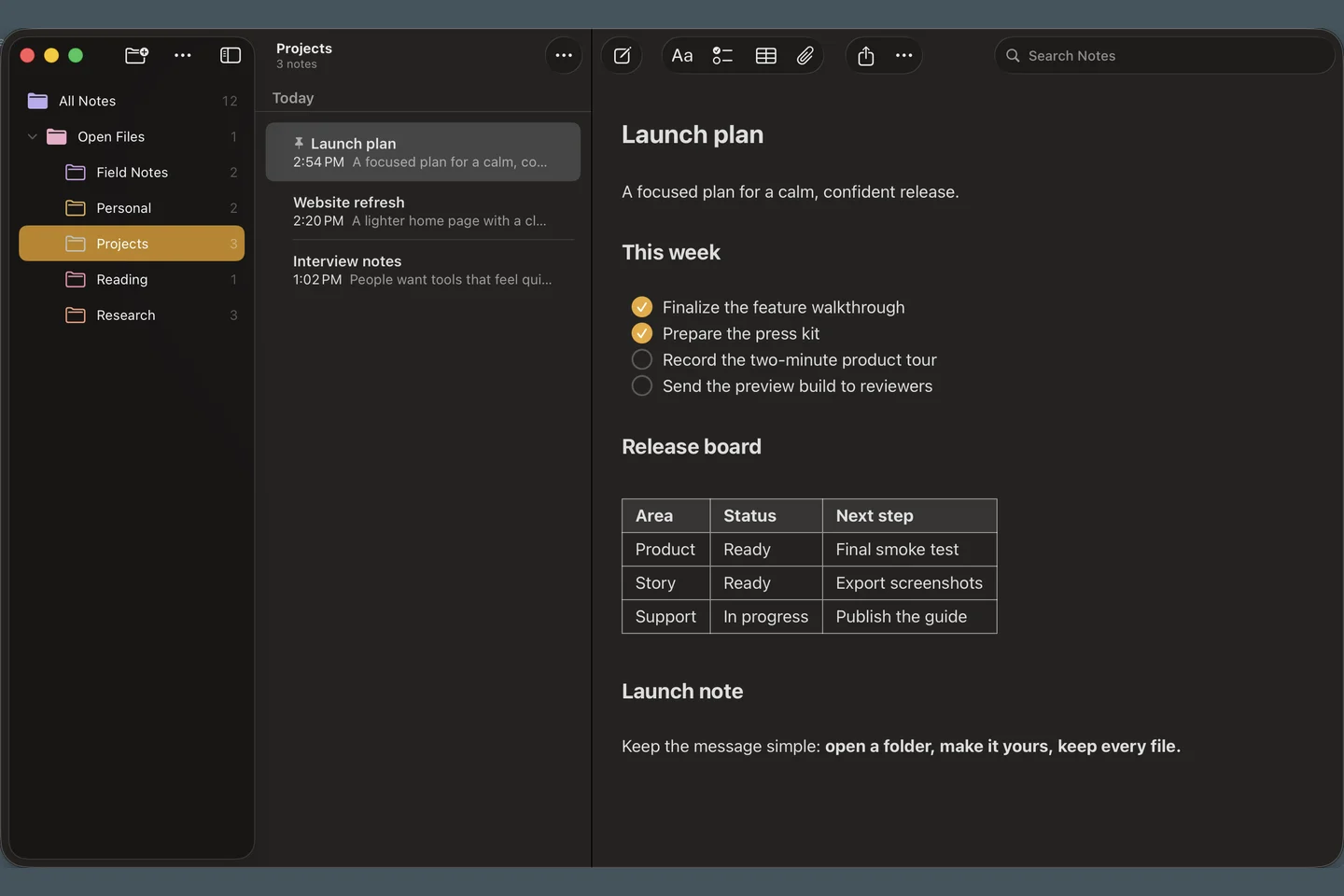
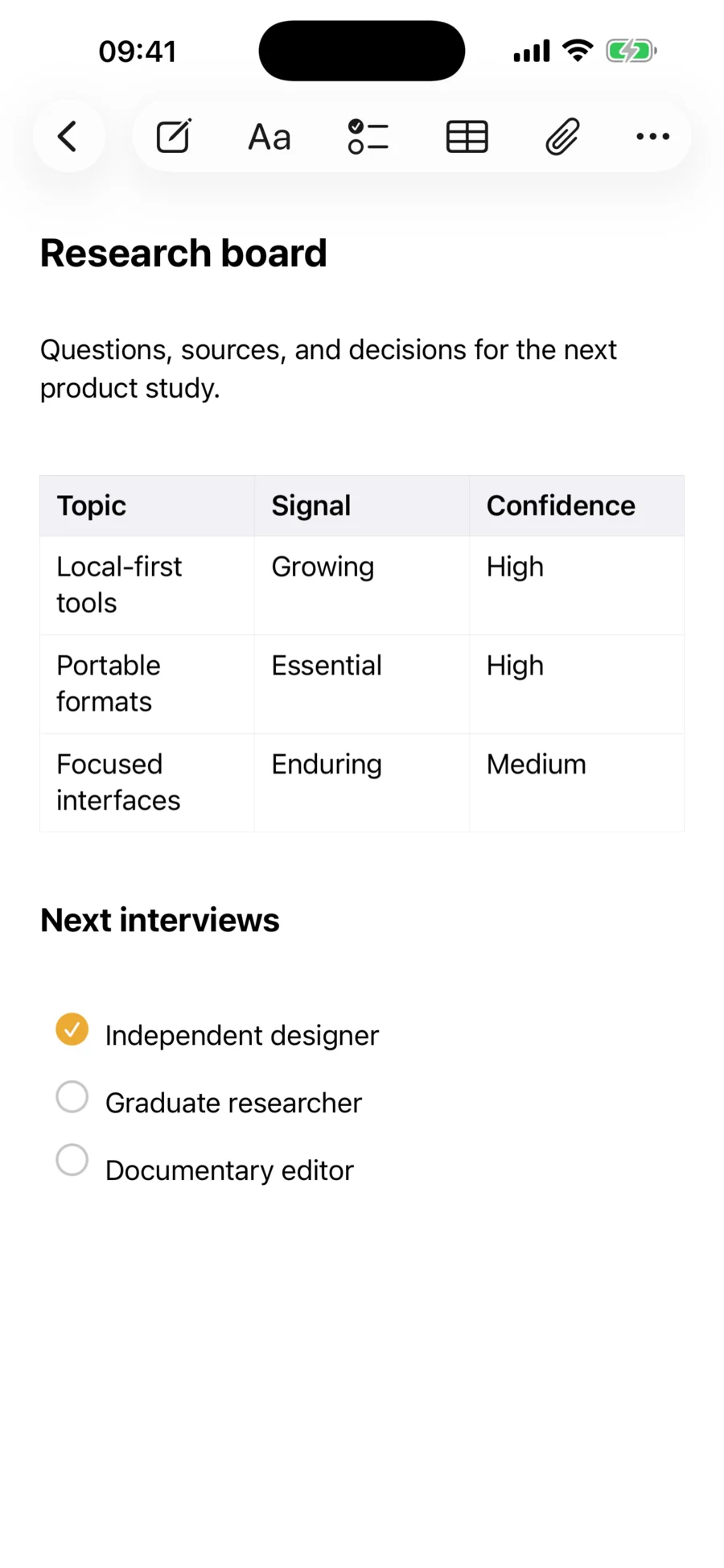
Write with headings, emphasis, lists, checklists, tables, links, and folding
-
Search titles and content, then pin, sort, group, rename, move, or archive notes
-
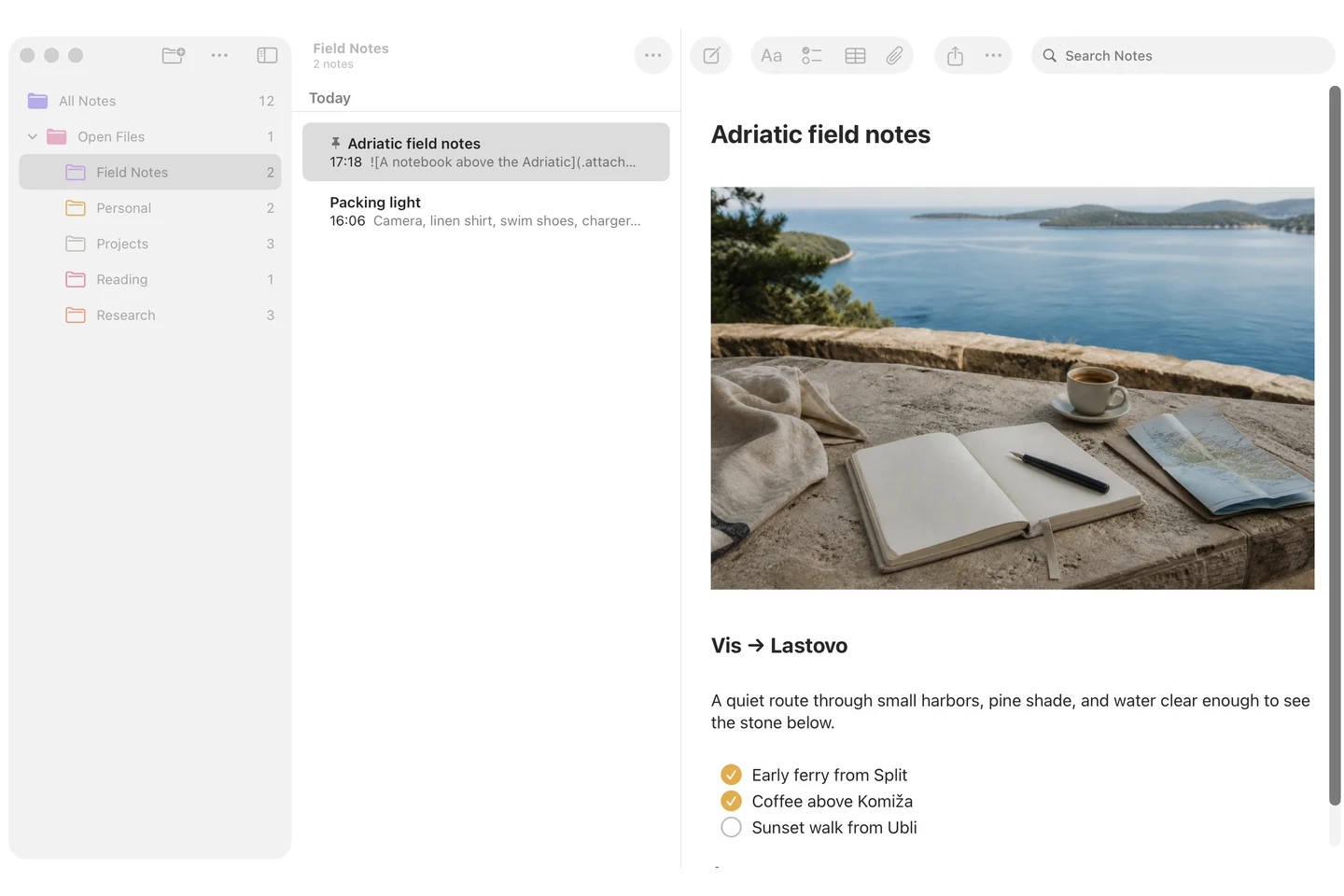
Keep images, PDFs, drawings, scans, and audio beside the writing
-
Import Markdown, plain text, RTF, HTML, and ENEX files without creating a proprietary database
-
Export PDF or share the original Markdown file whenever you choose
-
Use the same file-first workspace across iPhone, iPad, and Mac
Product support
Something not behaving?
Include the product version, operating system version, shortest steps to reproduce, and any exact error text. Redact tokens, private URLs, calendar content, and other personal data.
Email support