 prawel.pl
Version 2.1.1
ICS Toolkit
Create and edit events, import and export calendars and Reminders lists, and sync calendars locally with CalDAV.
 iPhone and iPad
No account needed

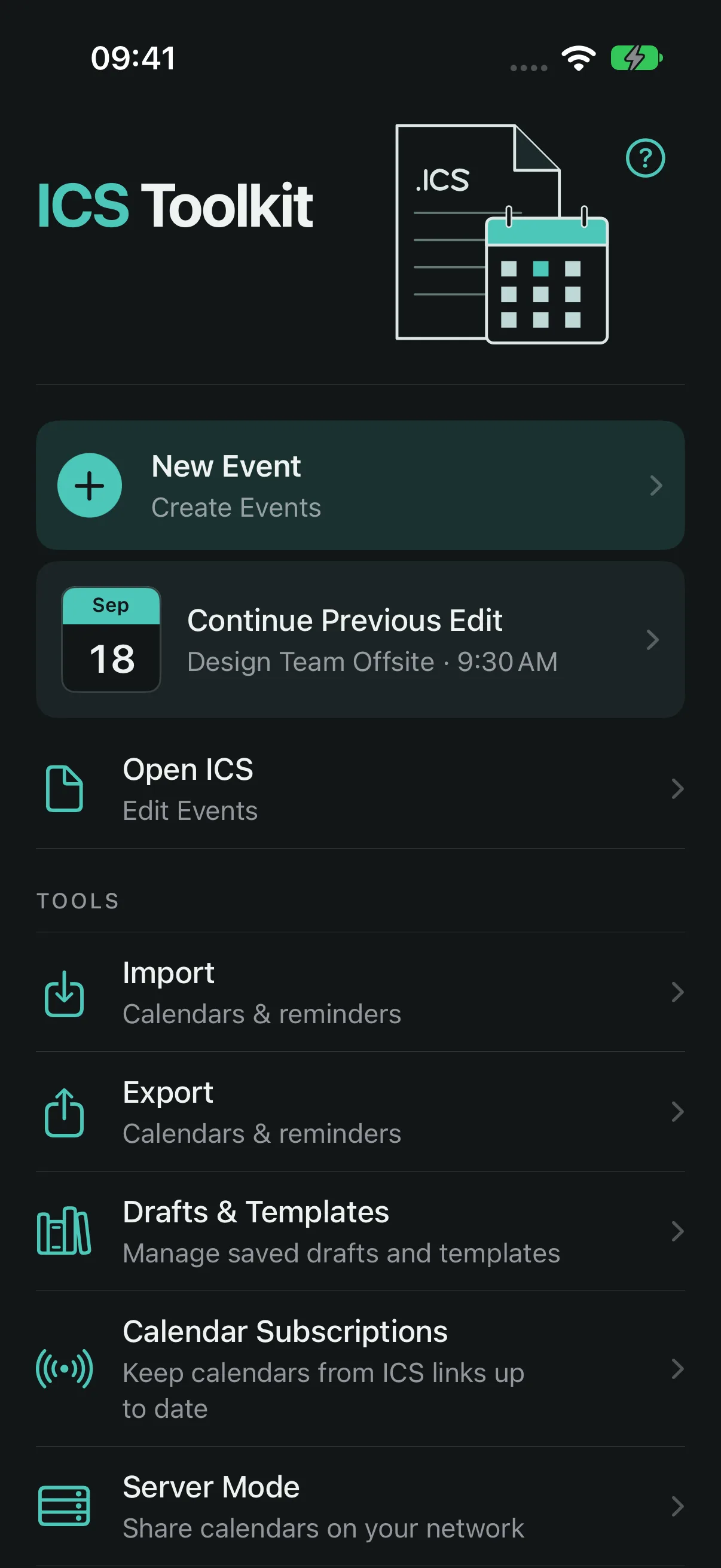
Create & edit: Build an event to save or share as an ICS file.
- Timed or all-day, with an explicit time zone
- Daily, weekly, monthly, or yearly repeats, with exceptions
- Invitations with an organizer, attendees, and their replies
- Several alerts, categories, priority, and a named color
- Photos and files attached, with filename and type
- Open a file with many events, find one, and edit only that one
September
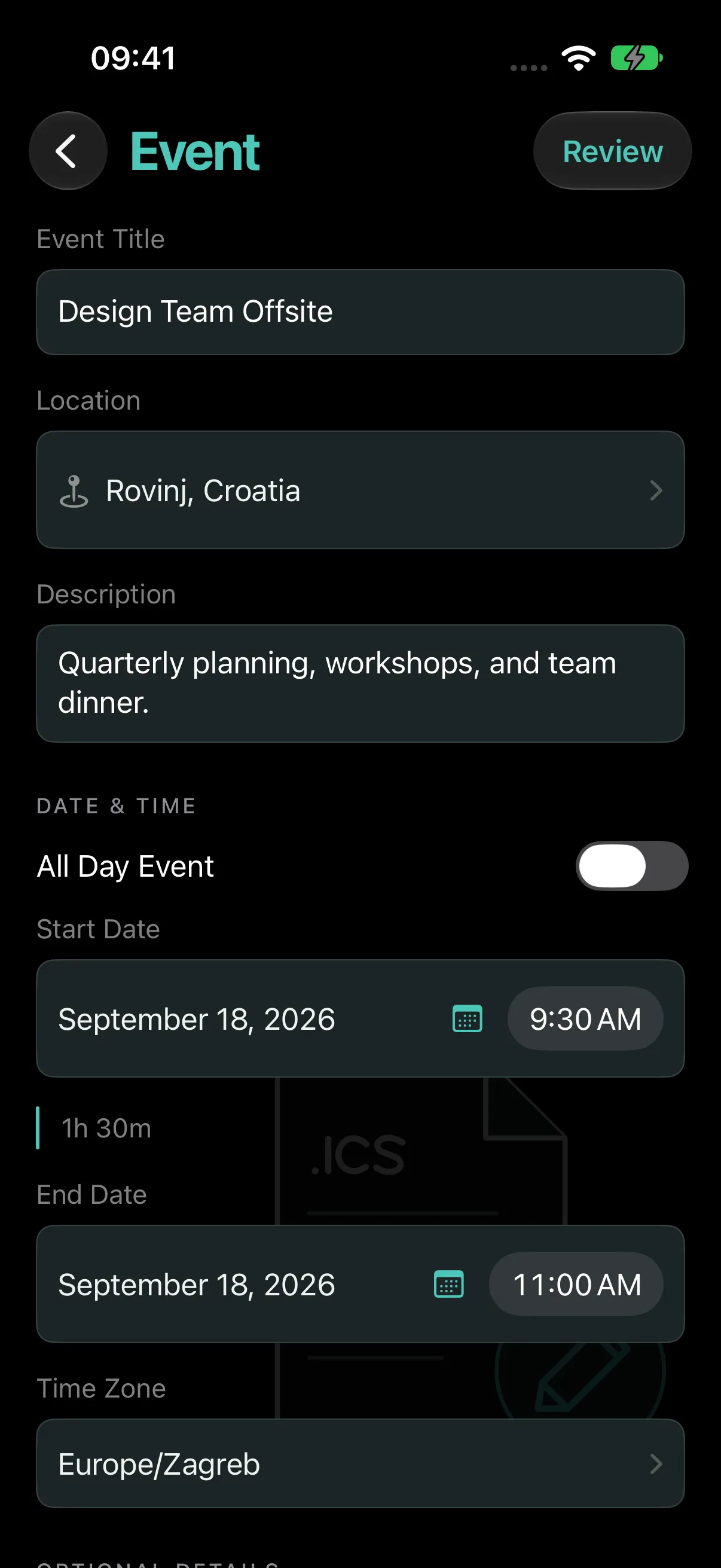
Import calendars: Review events and duplicates before adding them.
- From a file, or from a webcal, webcals, or https link
- Compare each event with the one already in Calendar
- Skip possible duplicates, or pick events one by one
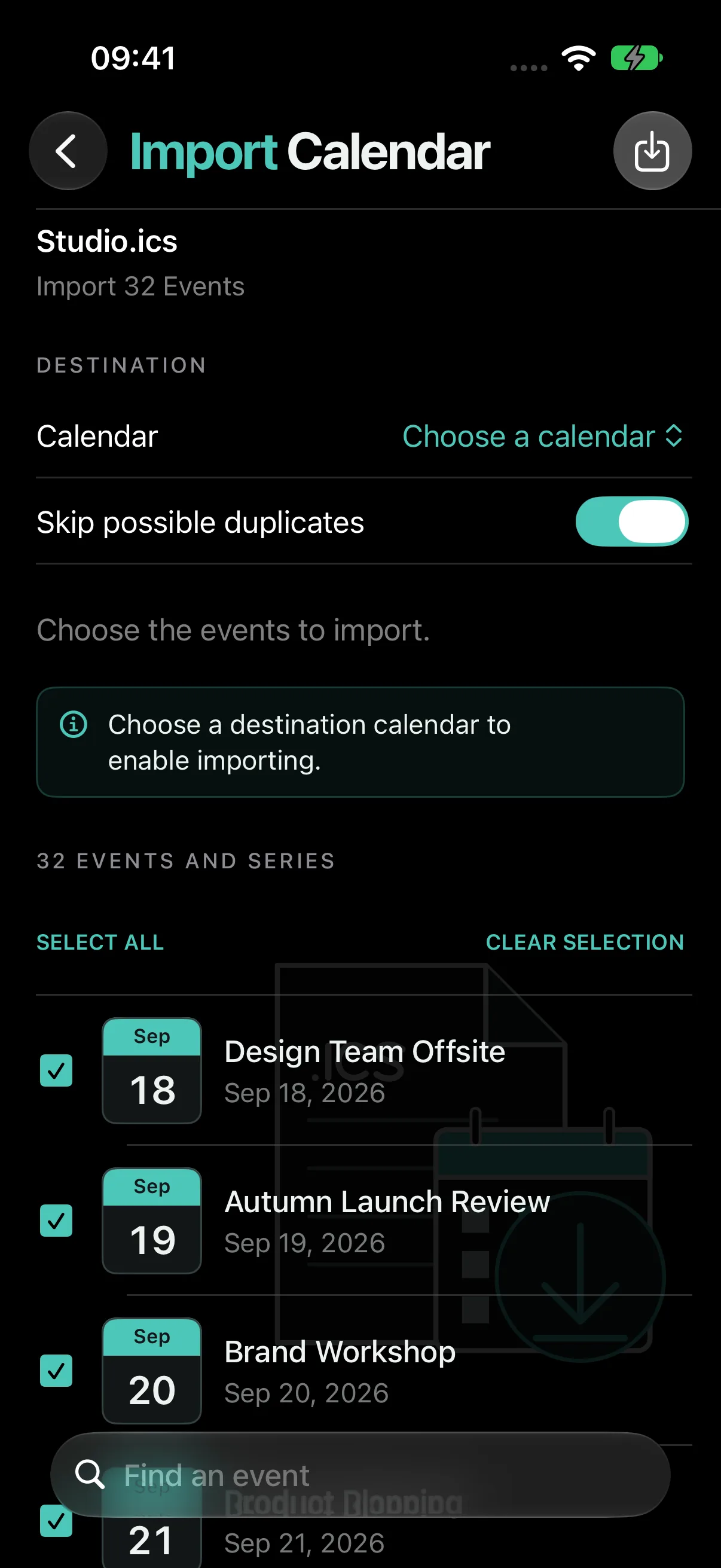
Export calendars: Separate ICS files, or all of them in one.
- Repeat rules and edited occurrences are kept
- Read-only and subscribed calendars can be exported
- Save to Files or share with another app
Import & export reminders: Move tasks between Reminders and ICS files.
- Product PlanningOct 19
- Client PresentationOct 20
- Team DinnerOct 21
- Import into the list you choose, with a full preview and undo
- Possible duplicates are found before anything is added
- Export one or more lists, with completed tasks if you want
- Drafts and templates keep events you build often
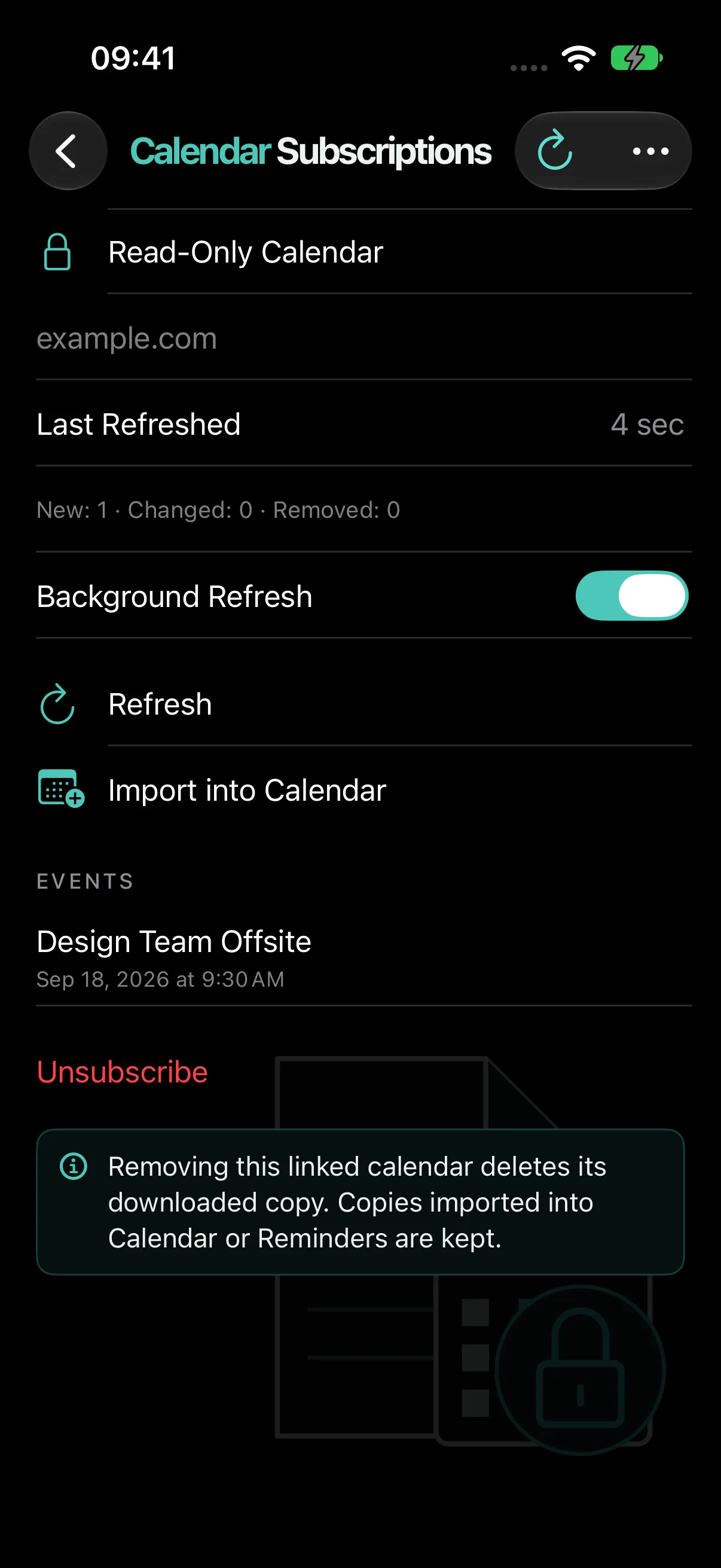
Calendar subscriptions: Keep calendar links together.
- A read-only copy of any calendar URL
- Refresh by hand or in the background
- See what changed after each refresh
- Import a copy into Calendar or Reminders
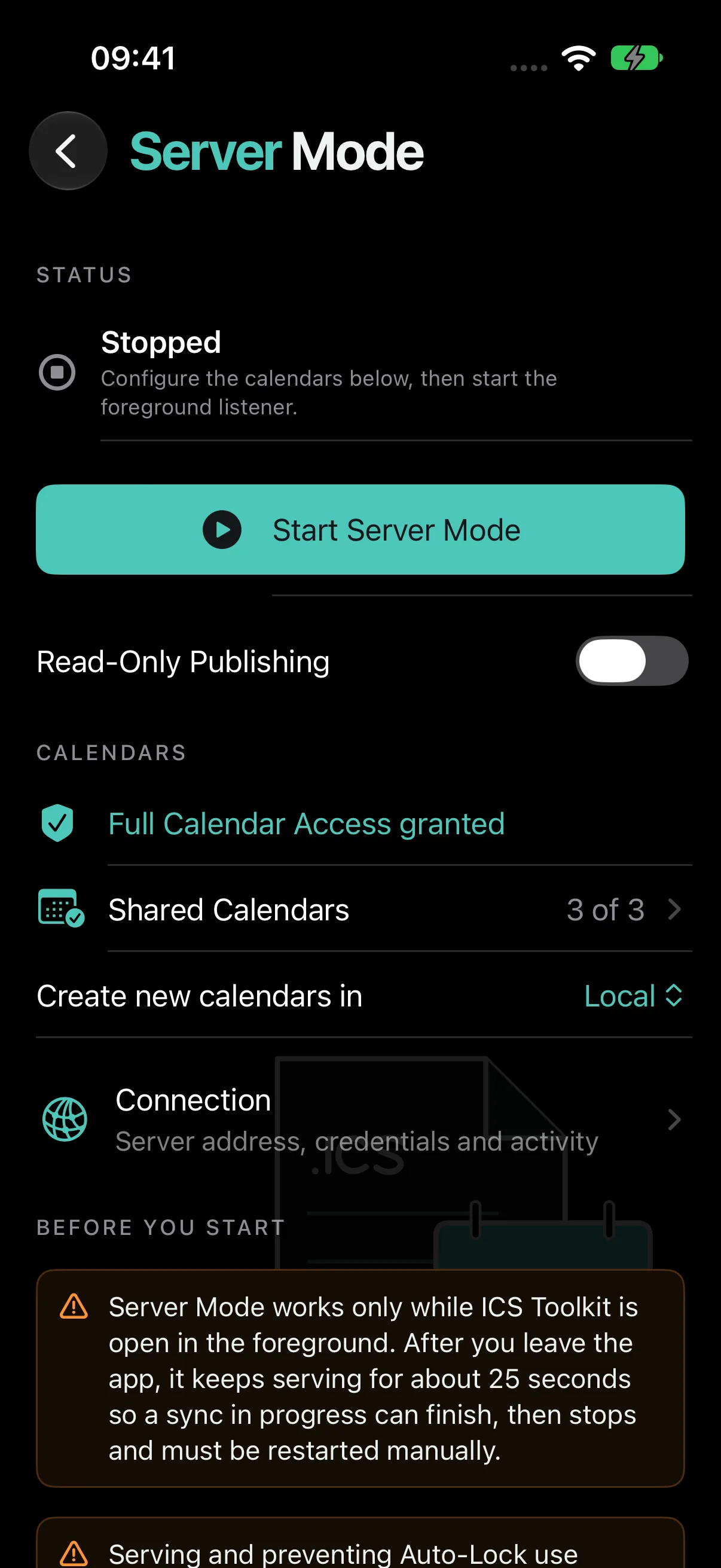
Server Mode: Connect calendar apps to this device over Wi-Fi.
- Calendar on a Mac reads and writes the calendars you choose
- Read-only publishing when the Mac should only look
- Reconnects on its own after a short Wi-Fi drop
- Diagnostics show timed-out requests and refused connections
Why it works this way
The iCalendar format is portable but deceptively complex: recurrence, time zones, invitations, attachments, destination-specific limits, and bidirectional CalDAV changes can turn a simple event into unreliable calendar data.
- Preview the exported file. A structured summary and raw ICS preview make the file inspectable before it leaves the device.
- Validate by destination. Universal file rules and Apple Calendar limitations are reported separately so compatibility warnings stay actionable.
- Keep sharing explicit and local. Drafts and files stay on device. Foreground-only Server Mode exposes selected calendars to a Mac on the same trusted network and rejects unsupported or lossy writes.
What stays on the device
No analytics or advertising identifiers. Files and drafts stay on device, while opt-in Server Mode shares only selected calendars directly with a Mac on the local network.
Read the full privacy details
ICS Toolkit does not collect personal information, usage analytics, or advertising identifiers.
Your event data
Events, drafts, templates, attachments, and imported files stay on your device unless you explicitly export, share, add them to a calendar, or share selected calendars through Server Mode.
Server Mode
When you start Server Mode, ICS Toolkit runs a foreground-only CalDAV server on your iPhone. A Mac on the same local network can use the displayed credentials to read and write the calendars you select. Calendar traffic goes directly between your devices; it is not sent to or stored by our servers.
Server Mode uses HTTP with Digest authentication. Digest protects the password, but calendar names, events, and other traffic are not encrypted, so Server Mode should be used only on a trusted local network.
System services
When you choose to add an event to Apple Calendar or share a file through another app, that action is handled by the relevant iOS system service and is subject to its privacy policy.
No account required
ICS Toolkit does not require registration or use developer-operated cloud servers to receive your calendar content.
-
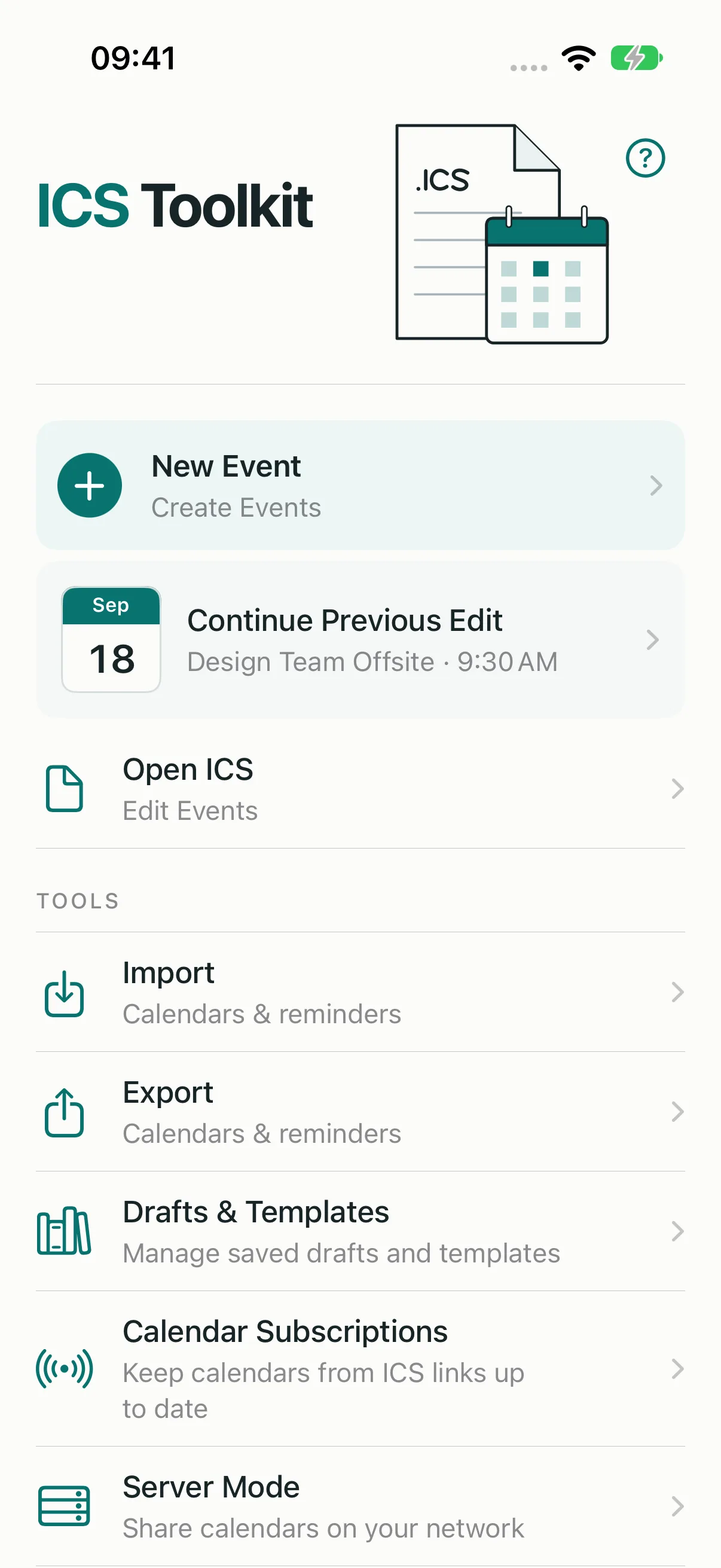 Every tool on one home screen
 - Every tool on one home screen
-
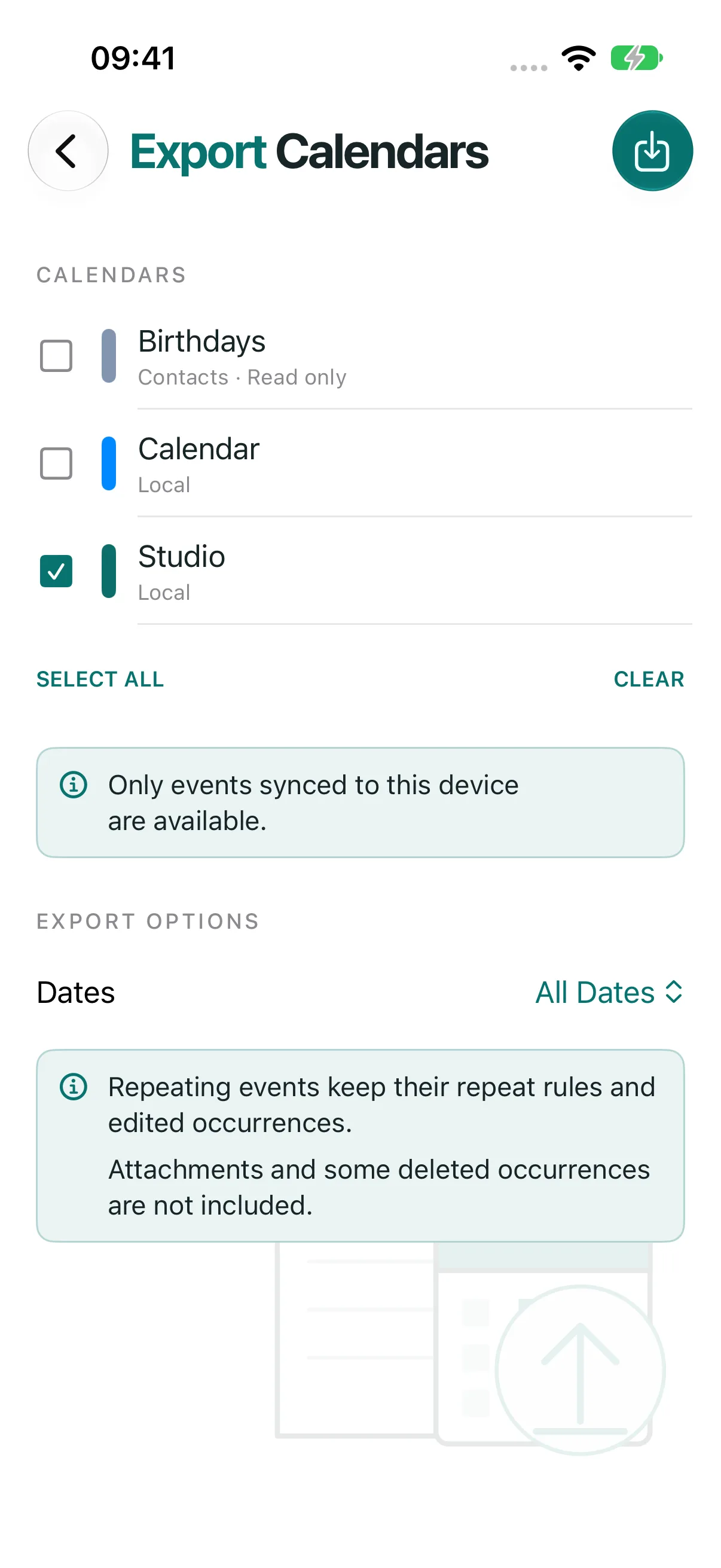 Export a whole calendar to one ICS file
 - Export a whole calendar to one ICS file
-
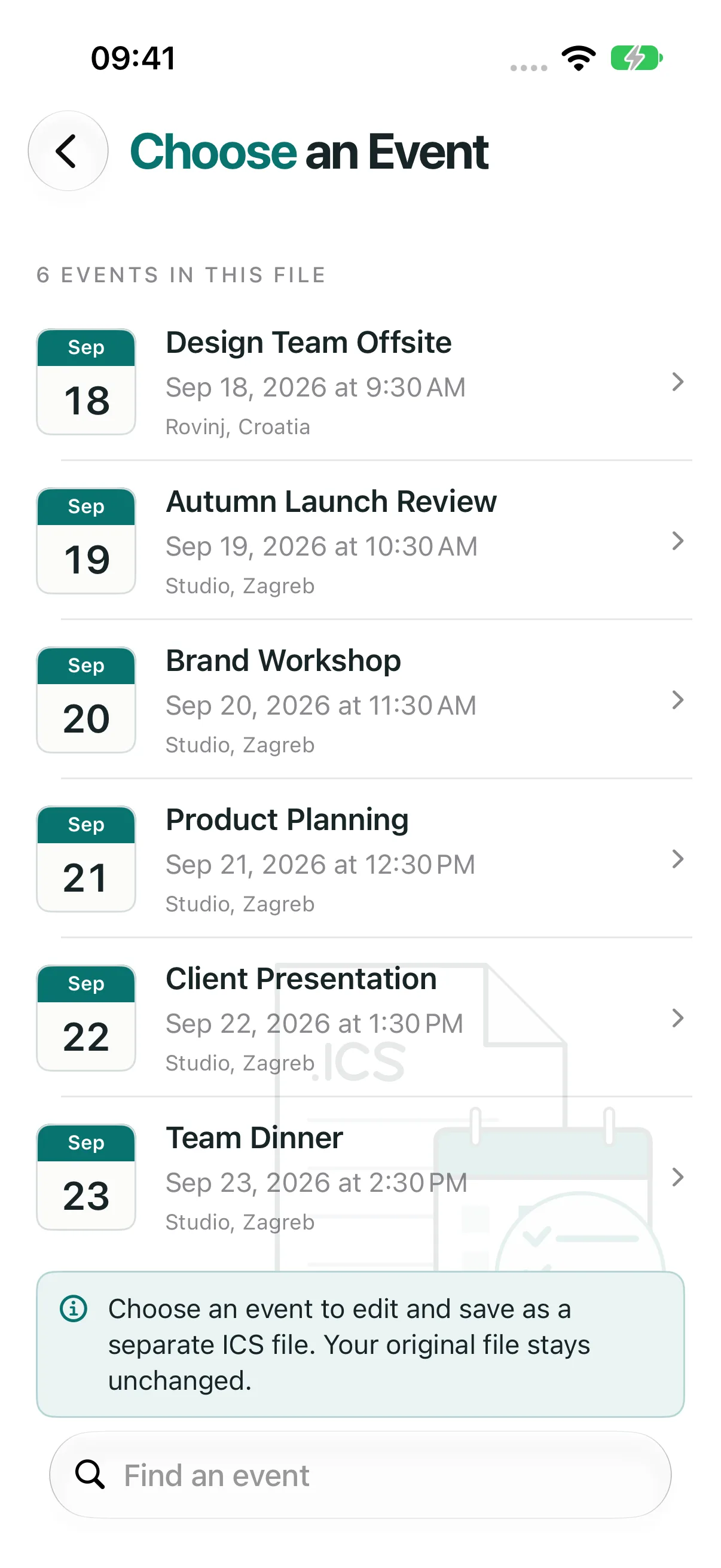 Find and edit an event
 -
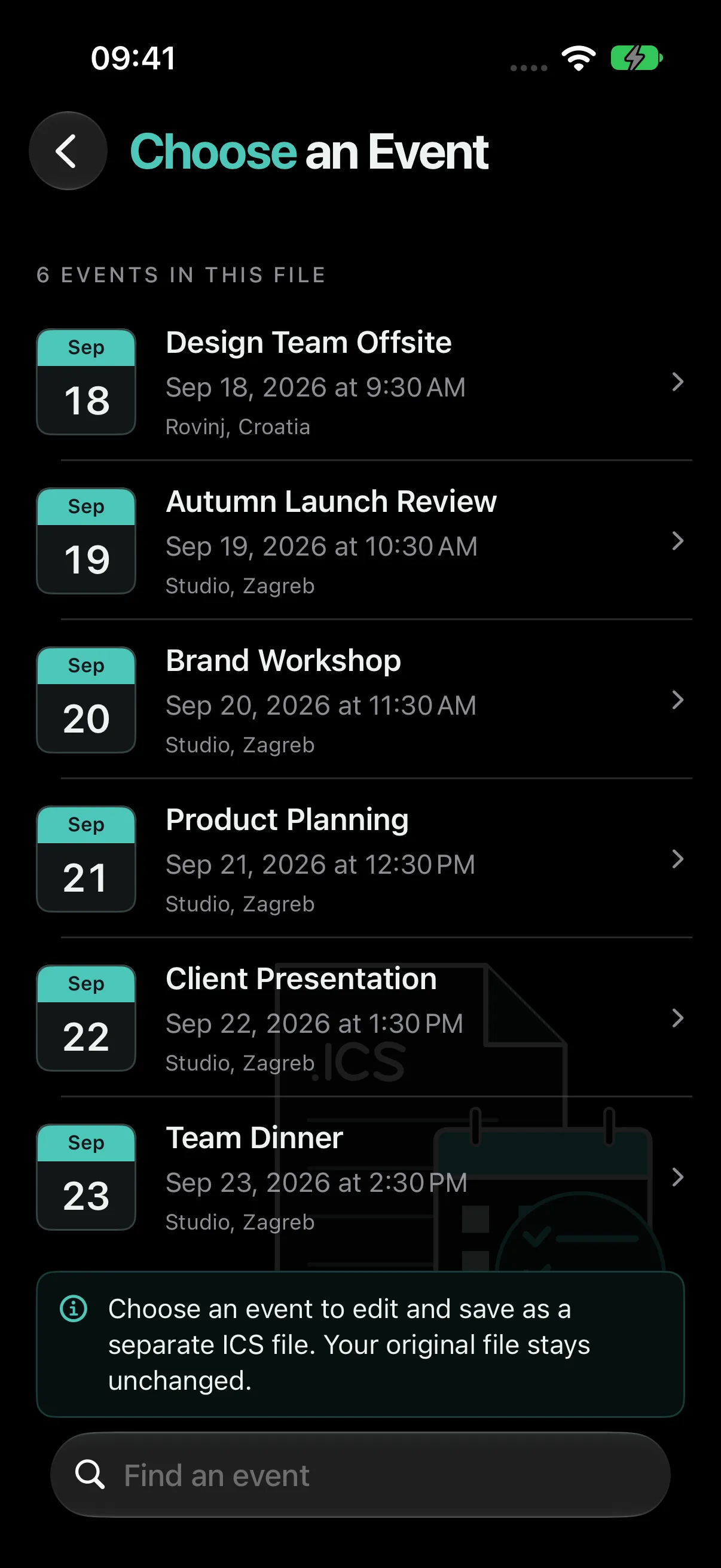 Find and edit an event
 -
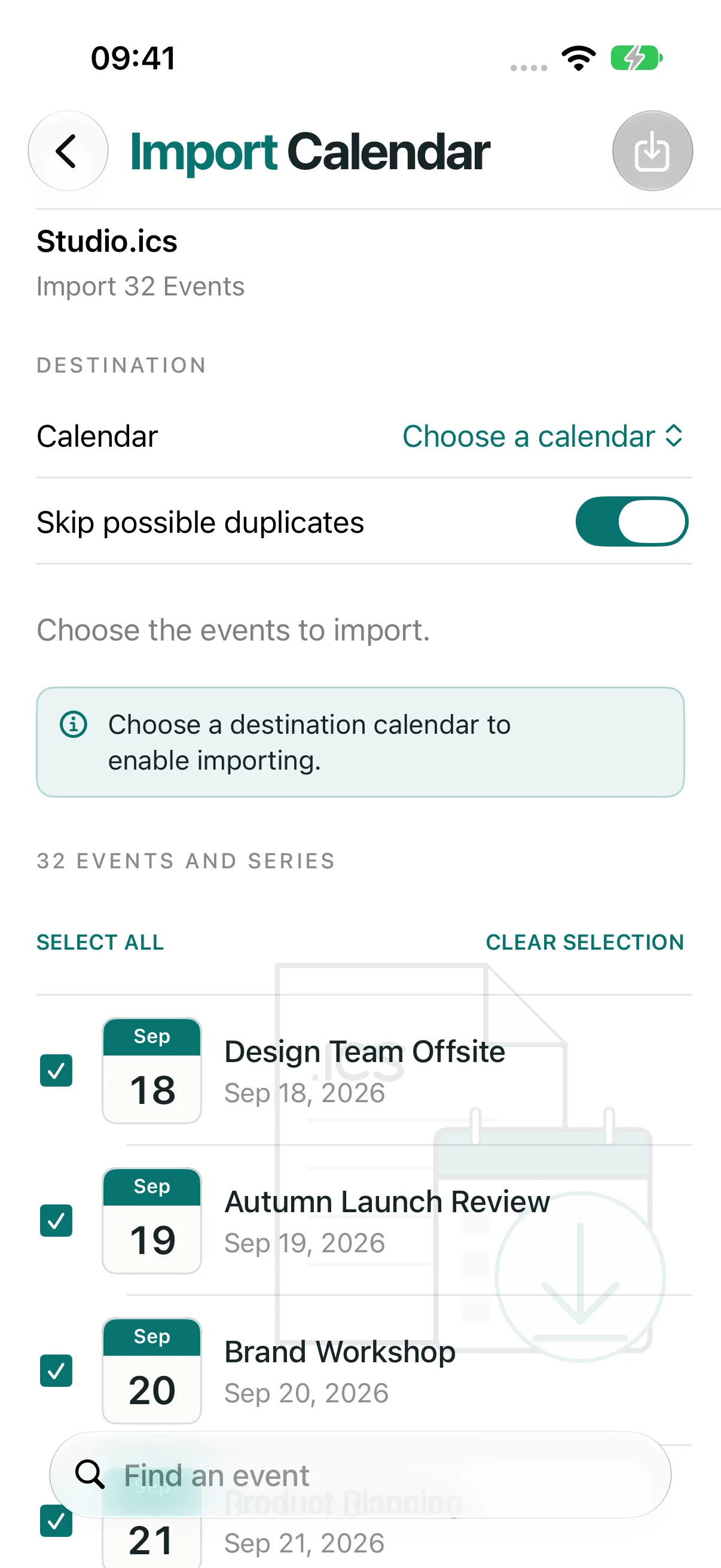 Import events into your calendar
 - Import events into your calendar
-
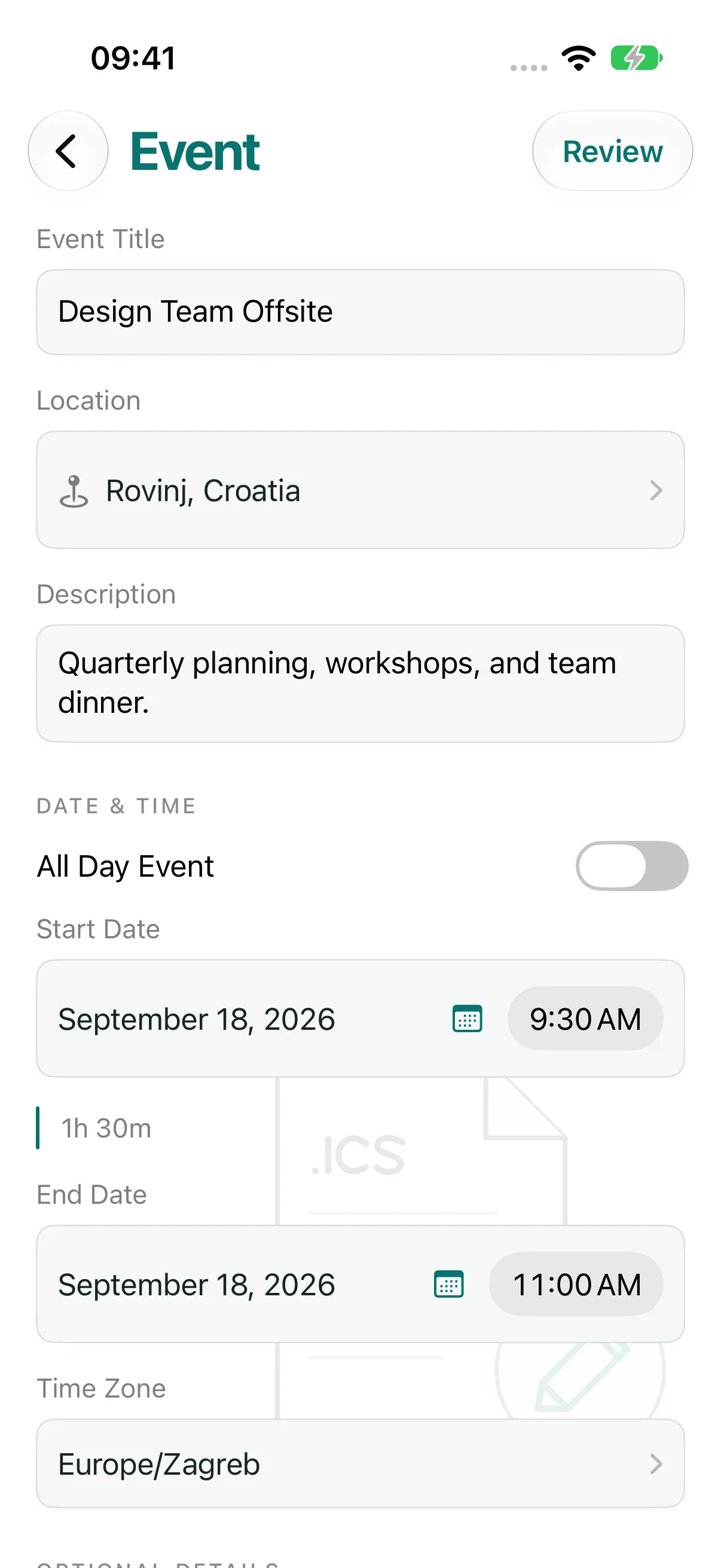 Create complete calendar events
 - Create complete calendar events
-
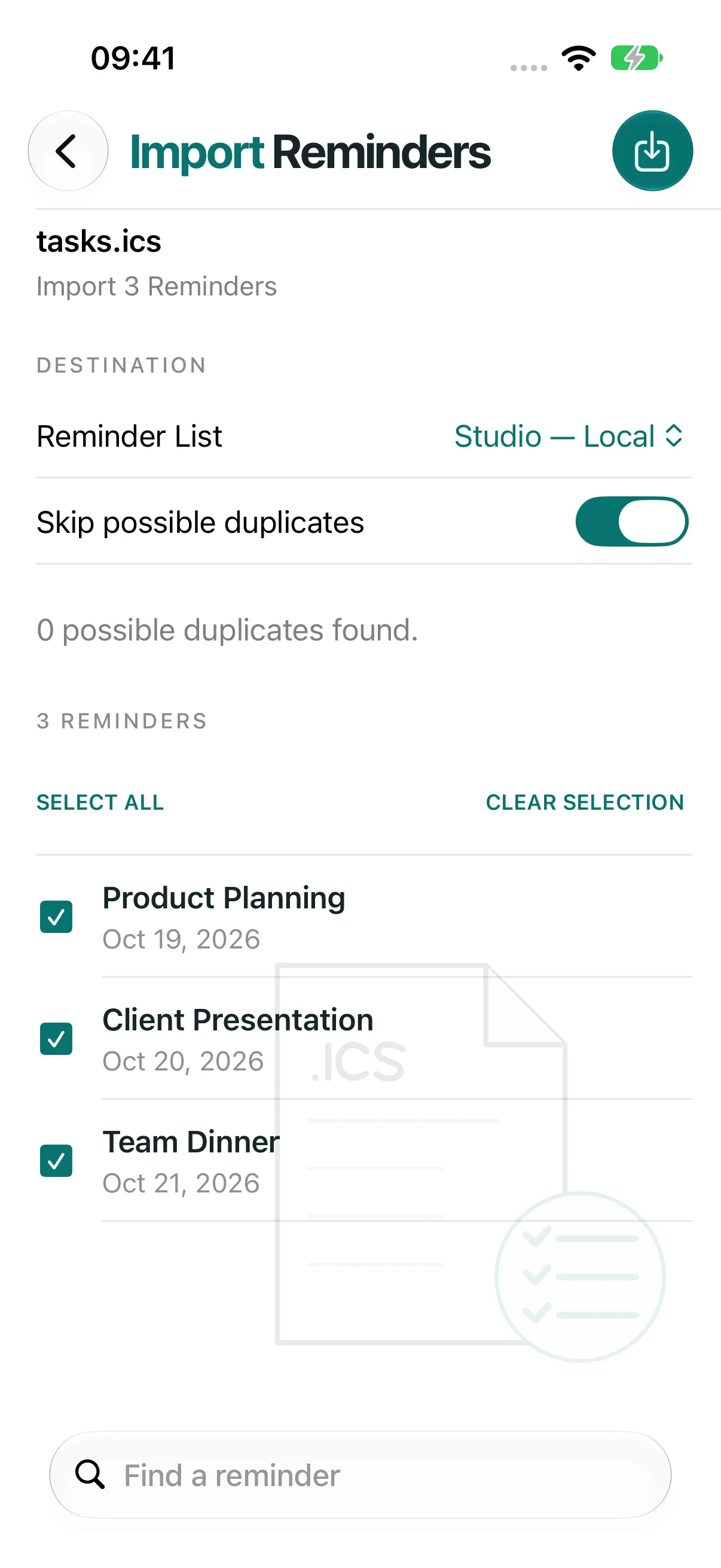 Move tasks between ICS files and Reminders
 -
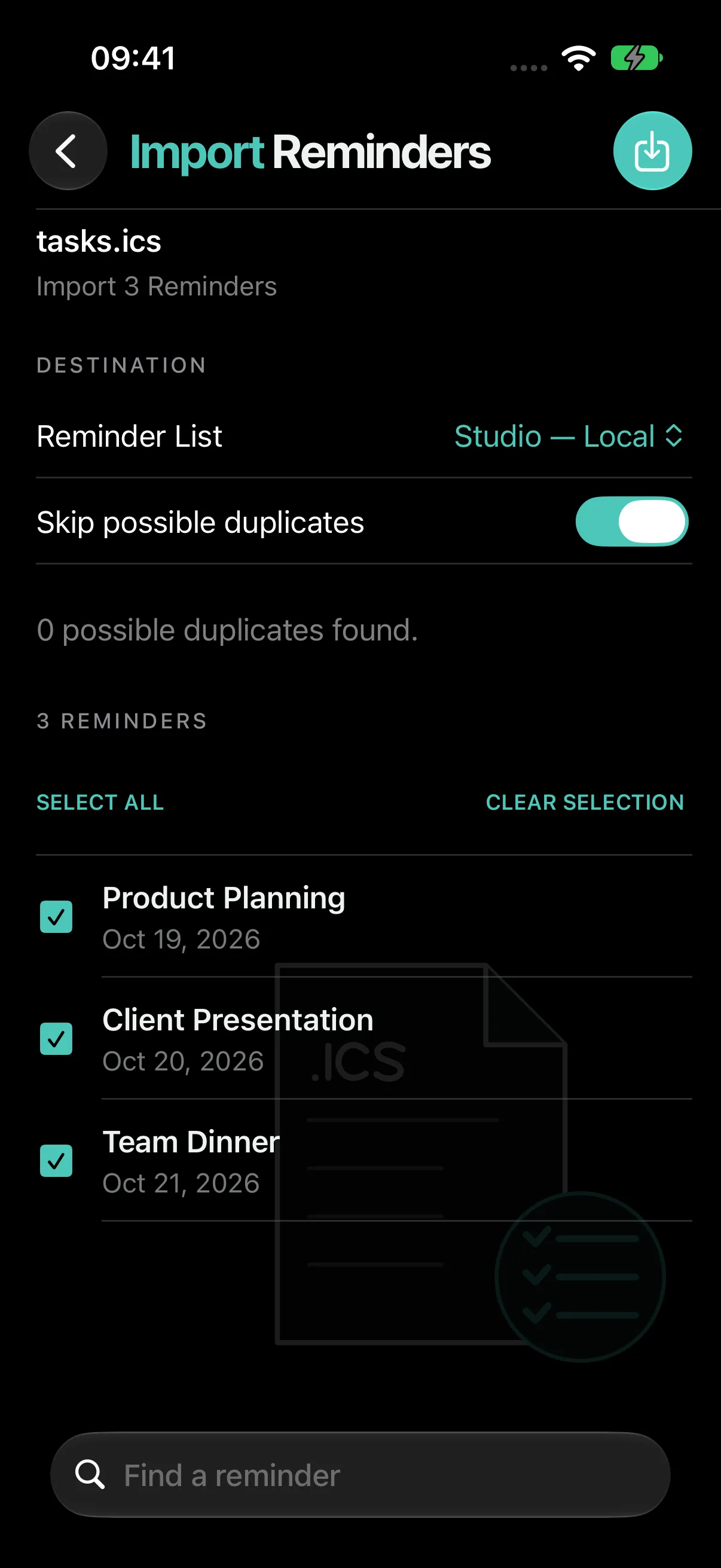 Move tasks between ICS files and Reminders
 -
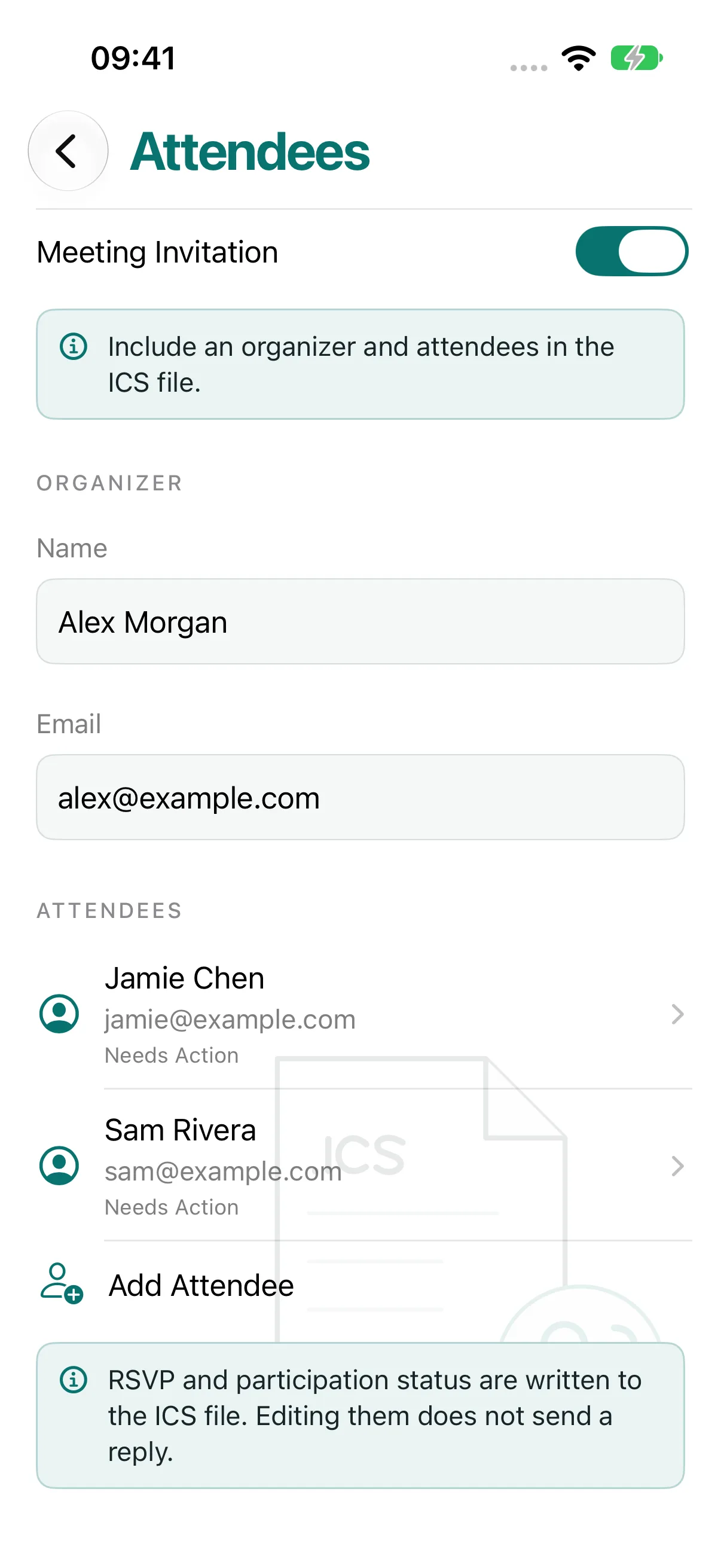 Build meeting invitations
 -
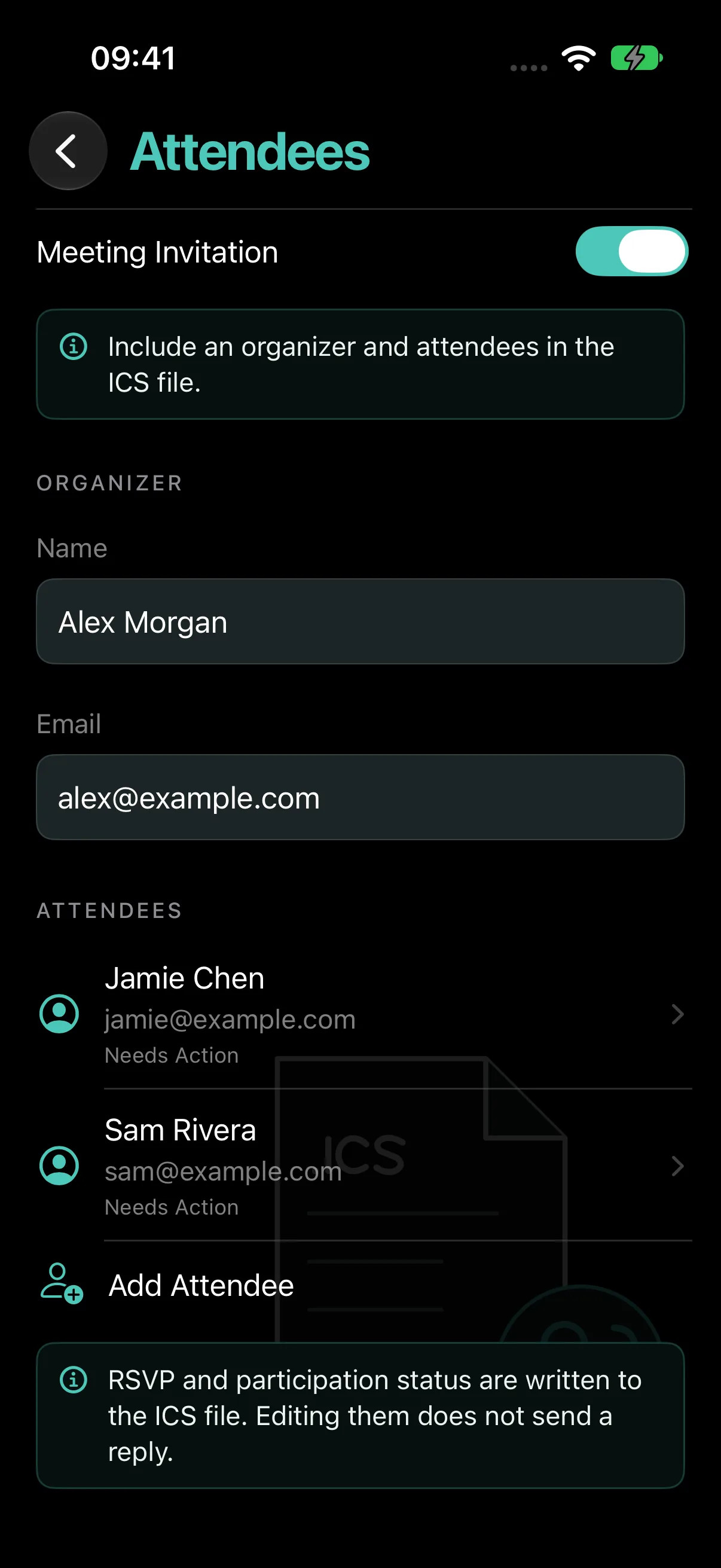 Build meeting invitations
 -
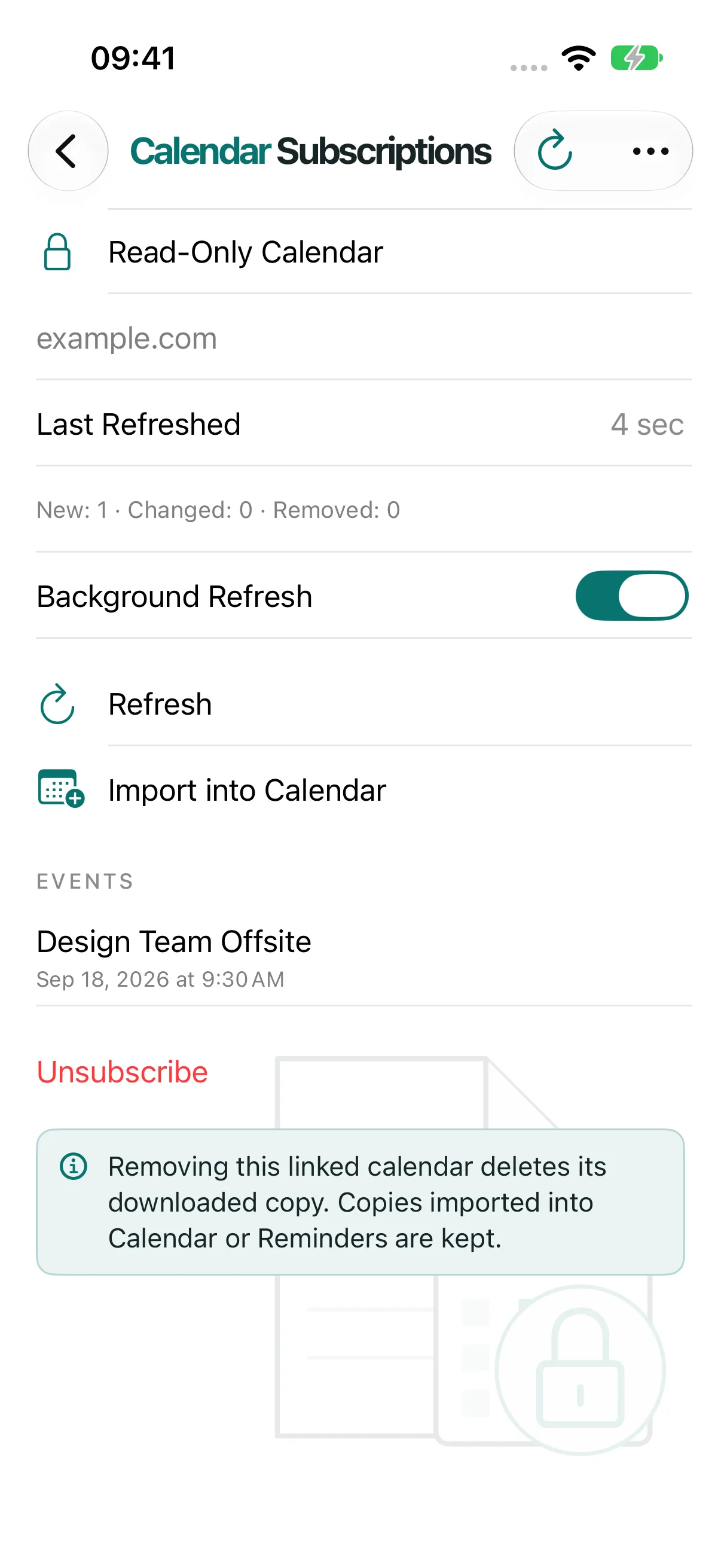 Keep calendars from links up to date
 - Keep calendars from links up to date
-
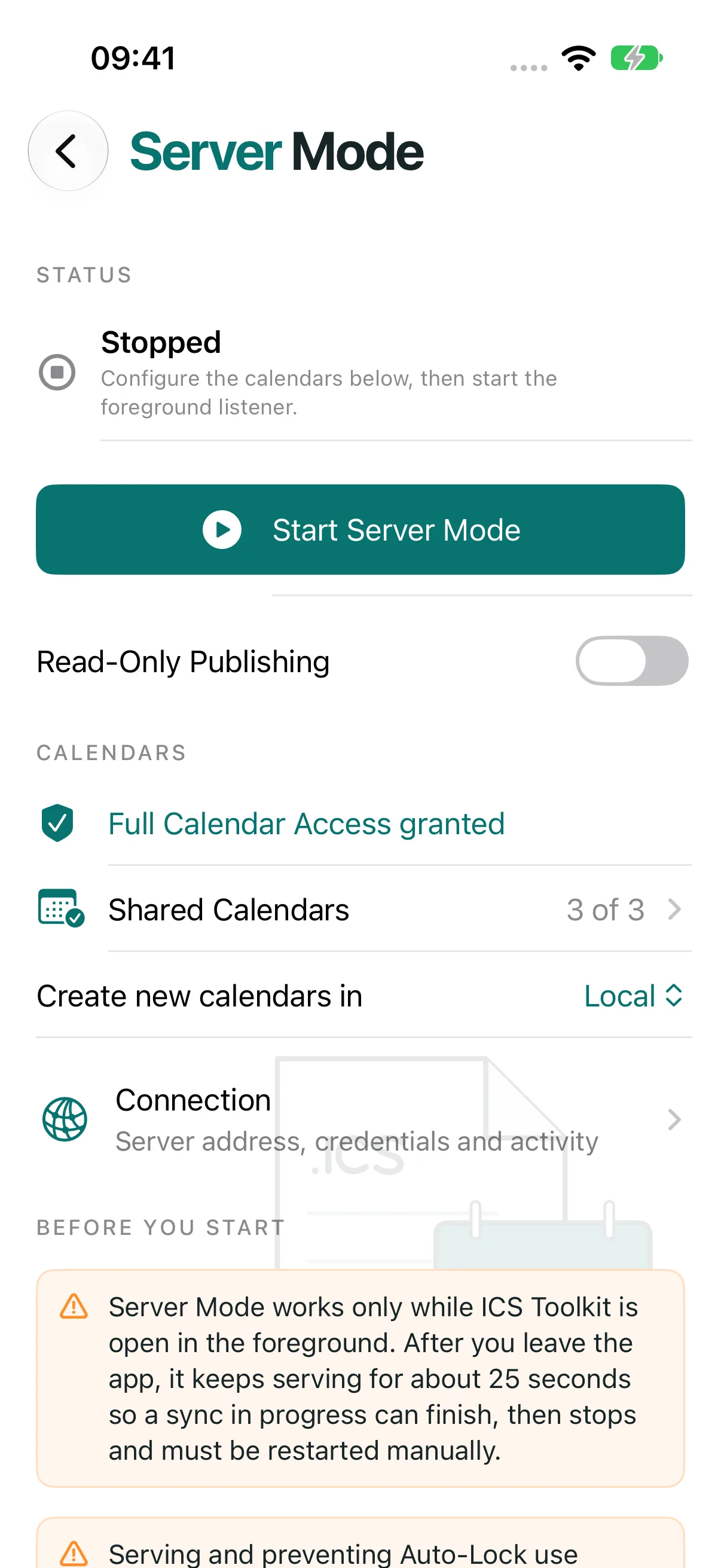 Connect calendar apps over local Wi-Fi
 - Connect calendar apps over local Wi-Fi
Open any screen to view it full size.
Release notes, October
2026 · 6 releases-
2.1.1
Fixed
- The app no longer becomes sluggish while Calendar on your Mac syncs with Server Mode, even with large calendars.
-
2.1.0
Fixed
- Server Mode no longer makes the Mac ask for the account password again after the server restarts or while it syncs several calendars at once.
- Mac Calendar no longer reports Server Mode as not responding while large calendars sync or many calendars refresh together; busy moments now ask the Mac to retry shortly.
- Server Mode keeps serving for about 25 seconds after you switch away from the app, so a sync in progress can finish.
- Server Mode shows Reconnecting and resumes on its own after a brief Wi-Fi interruption instead of reporting that it could not start.
- The Server Mode Connection screen and the rest of the app stay responsive while a Mac is syncing.
Added
- Server Mode shows the iPhone's IP address as a fallback server address and warns when the Local Hostname does not appear to point to this iPhone.
- Server Mode diagnostics count timed-out requests and refused connections.
-
2.0.0
Added
- A calendar-inspired redesign brings distinct illustrations, clear labeled forms, and one home screen for every tool. The event editor combines details, dates and options in one form, with full month names, consistent Back navigation, and native search at the bottom of every search screen.
- Import a calendar straight from a webcal, webcals, or https link; paste a subscription URL and preview the events before saving.
- Export one or more Reminders lists to ICS files, with an option to include completed tasks, keeping due and start dates, all-day dates, completion status, priority, and notes. Categories and partial progress from ICS imports are retained on this device for future exports.
- Import reminders from an ICS file into a chosen Reminders list, with a full preview, duplicate detection, and per-reminder results.
- Calendar Subscriptions keep a read-only copy of a calendar URL, with manual and best-effort background refresh, update summaries, and an option to import a copy into Calendar or Reminders.
- New Shortcuts actions: Add Event to Calendar, Import Calendar from URL, Import ICS File, Open Event Editor, Start Server Mode, and Stop Server Mode.
- Edit attendee RSVP and participation status, category tags, event priority, and named event colors in ICS files.
- Compare existing Calendar events with incoming files before importing, including dates, notes, alarms, and recurrence changes.
- Share ICS files into the app for review, drop files onto the app on iPad, and drag drafts or templates out as ICS files.
- A Quick Actions widget opens Create, Edit, Export, and Import.
- Read-only Server Mode publishing and automatic recovery of pending changes on the next app open.
Fixed
- Text fields keep their labels visible while filled, including event details, names, URLs, categories, and search.
- Reminders access and list selection refresh after returning from Settings.
- Repeated reminder imports detect their original source, and undo keeps reminders edited after import.
- Reminder transfers preserve supported alarms and recurrence; unsupported forms are flagged before import.
- Recurring reminders exported with a due date can be imported again without a false unsupported-recurrence warning.
- Calendar subscriptions can be removed by swiping a row and confirming unsubscribe.
- Calendar import names unsupported attributes and alarm details in separate expandable warnings.
- Remote downloads preserve accented and non-Latin text, and Shortcuts report import failures and partial results.
-
1.4.2
Added
- Use ICS Toolkit in German, Polish, Hindi, Simplified Chinese, Spanish, French, and Japanese, including event tools, calendar import and export, Server Mode, Help, permission prompts, and Shortcuts. English remains available.
-
1.4.1
Fixed
- Prevent Server Mode synchronization failures when calendars contain events that repeat indefinitely, while retaining distant edited occurrences within the synchronization range.
- Show calendar-processing failure reasons in Server Mode diagnostics and retain the last problem in shared reports after it leaves the recent request list.
-
1.4.0
Fixed
- Recover interrupted Server Mode changes safely and preserve calendar data when saving fails or metadata is damaged.
- Keep synchronization consistent during concurrent edits, server restarts, and changes to newly created calendars.
- Keep split repeating series separate, retain edited occurrences when editing a complete series, and find detached occurrences more than ten years ahead.
- Protect import undo when coordinates or location-based reminders have changed; damaged import history no longer blocks imports or reports a completed undo as failed.
- Preserve reminder seconds, reminders relative to event end, floating times, timezone definitions, whitespace, priority, escaped categories, and quoted participant names.
- Apply timezone and all-day date changes consistently across daylight-saving transitions; reject malformed calendar files and unsupported timezone names with a clear error.
- Keep all-day events on their original dates when repeatedly editing or resynchronizing them, including across daylight-saving changes.
- Keep invitation revisions consistent across edits and repeated exports, and remove invitation methods when invitation output is disabled.
- Improve Calendar-client queries, missing-event responses, conditional updates, and recovery after stalled or interrupted connections.
- Keep exports responsive with cancellation and explicit processing limits; generate distinct filenames for calendars with long or similar names.
- Preserve unreadable draft-library files before retrying saves, keep pending edits visible, and prevent stale file or photo loads from changing another draft.
Earlier releases
-
1.3.0
Added
- Preview calendar imports with event selection, compatibility details, duplicate detection, cancellation, per-event results, retry, and session undo for unchanged imported events. Series that cannot be fully verified remain in Calendar with an explanation.
- Import supported advanced repeating rules and edited occurrences as complete series.
- Export multiple calendars as separate files or a combined ICS file; choose all dates, the next 12 months, or a custom inclusive date range. Bounded exports contain individual occurrences.
- Open ICS documents from Files and other apps, with a choice of editing or importing.
- Save named drafts, search and rename library entries, and display persistence failures without overwriting unreadable files.
- Choose weekly days and ordinal monthly recurrence patterns.
- Show Server Mode connection activity, troubleshooting steps, and a diagnostic report with calendar-property rejection reasons, without calendar content or credentials.
- Show the app version and build number beneath the Server Mode tile on the home screen.
- Replace the Help banner and long page with a list of topics that open on separate screens, including app information and a clickable © 2026 prawel.pl link.
- Provide Create ICS from Template and Export Calendar to ICS actions in Shortcuts.
Fixed
- Accept and retain calendar order, time zones, default reminders, and other client preferences in Server Mode, including for read-only calendars, to prevent repeated calendar-property update failures.
- Prevent the Active Connections display from flickering during brief reconnects by delaying decreases for two seconds; stopping the server clears it immediately.
- Fix Server Mode calendar moves when clients keep the event filename or use non-UUID filenames, including MOVE requests and creating the destination event before deleting the source.
- Keep moved events editable, preserve client filenames across restarts, and report moves and renames correctly during incremental synchronization without duplicate entries.
- Distinguish calendar conflicts from failed request conditions in Server Mode diagnostics instead of reporting every conflict as an event changed by another client.
- Keep all-day events without an explicit end date to one day; consume DURATION correctly, including daylight-saving changes, and reject malformed dates.
- Preserve imported meeting methods and attendee response, role, RSVP, and organizer metadata.
- Use shared time-zone serialization for single-event and calendar exports.
- Extract calendar writing and file operations from the editor and retire its duplicate private ICS parser and writer.
-
1.2.2
- Added calendar export: choose a device calendar, including read-only calendars, and save its synced events together in one ICS file or share the file with another app.
- Added a dedicated Export Calendar screen with calendar selection, progress, cancellation, event counts, and Save/Share ICS actions.
- Preserved repeating-event rules and edited occurrences in calendar exports, with stable event identifiers and shared time-zone definitions.
- Introduced a home screen with five prominent actions: Create Events, Edit Events, Export Calendars, Import Calendars, and Server Mode. Templates remain available in the event editor.
- Added search and event selection for multi-event ICS files, so an individual event can be edited and saved separately.
- Improved full-history calendar scanning, absolute reminders, all-day recurrence and exception dates, and historical and future time-zone handling in exported files.
- Updated Help for the new navigation and refreshed iPhone and iPad marketing images.
-
1.2.1
- Recognized Microsoft all-day event markers in incoming CalDAV events and included the compatibility marker when exporting all-day events.
- Fixed all-day event handling when syncing through CalDAV or adding events to Apple Calendar by clearing timed-event time zones and applying dates in the correct order.
- Normalized multiline locations and Apple structured addresses so repeated edits and syncs no longer accumulate escaped line breaks or inconsistent spacing.
-
1.2.0
- Added foreground-only Server Mode so Calendar on a Mac can read, create, update, and delete events in selected iPhone calendars over the same trusted local network.
- Added Bonjour discovery, Digest authentication, stored pairing credentials, calendar selection, connection instructions, live status, and automatic shutdown when the app enters the background.
- Added paged synchronization of historical events and incremental updates and deletions, with stable event identities and protection against stale edits.
- Added event copy and move between calendars, plus calendar creation, renaming, color, and description changes; remote calendar deletion is limited to calendars created through Server Mode.
- Preserved supported recurrence rules, edited occurrences, exclusions, reminders, structured locations, and Apple travel-time metadata during CalDAV sync, while retaining existing values when incoming data cannot be applied safely.
- Improved Apple Calendar pairing, initial event discovery, updates, duplication, and deletion, and corrected the exported end dates of all-day events.
- Refined the event editor, template library, and Server Mode setup, including an explicit local hostname and controls for preventing Auto-Lock.
-
1.1.0
- Renamed ICS Creator to ICS Toolkit and redesigned the event workspace, help screens, and app icon.
- Added daily, weekly, monthly, and yearly recurrence, multiple reminders, explicit time-zone selection, categories, status, visibility, and availability.
- Added compatibility review, destination-specific warnings, an event summary, and raw ICS preview before saving, sharing, or adding events to Apple Calendar.
- Added autosaved drafts and reusable templates, with refreshed dates and event identities when starting from a template.
- Added multi-event ICS import into a chosen writable calendar, with progress reporting, while retaining single-event editing.
- Improved import and export preservation of advanced recurrence, exceptions, alarms, calendar metadata, attachment filenames and MIME types, and unsupported properties that can be carried forward.
- Added meeting validation and stable event UIDs and revision tracking so invitation updates retain their identity.
-
1.0.4
- Added meeting invitations with organizer and attendee names and email addresses, plus RSVP requests for compatible calendar apps.
- Imported organizer and attendee details from existing invitations and exported meeting requests using METHOD:REQUEST.
- Improved Outlook and Exchange compatibility by recognizing Windows time-zone names and exporting recurring daylight-saving definitions, and added guidance for sending invitations.
-
1.0.2
- Started new events at the next full hour, preserved duration when moving the start time, and constrained end dates to valid ranges.
- Fixed imported dates being changed by editor updates and expanded support for folded ICS lines using spaces or tabs.
- Improved ICS compatibility with event UIDs, UTC timestamps, time-zone definitions, CRLF line endings, and UTF-8-aware line folding.
- Added event dates and times to exported filenames and improved focus behavior in location search.
-
1.0
- Introduced ICS Creator for iPhone and iPad, with timed and all-day events, titles, descriptions, locations, and links.
- Added ICS file import and export, embedded photo and file attachments, and direct saving to a selected Apple Calendar.
- Added place and address search, a calendar picker, and in-app help.