 prawel.pl
CSV to ICS Converter
Convert a CSV or spreadsheet export into an .ics calendar file. Map columns for the title, start, end, location, and description, then download the file.
Columns
ICS Toolkit
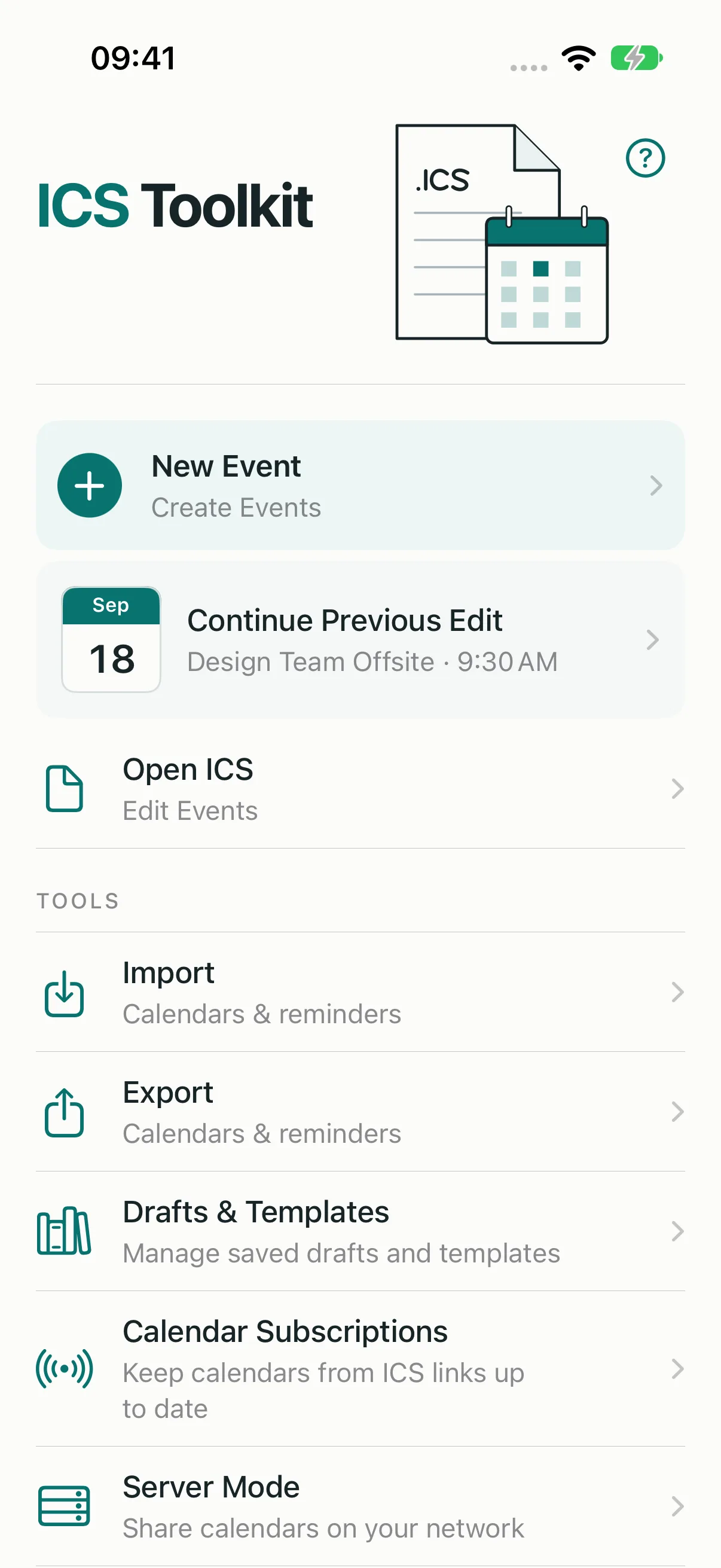
Your iPhone calendar on your Mac, without iCloud. Create and edit events, import and export calendars and Reminders lists, and sync locally over CalDAV.

About this tool
Paste CSV with a header row, or choose a .csv file exported from Excel, Numbers, or Google Sheets. The converter guesses which column holds each field, and you can change any mapping.
Dates can be written as 2026-11-15, 15.11.2026, or 11/15/2026, with times such as 09:30 or 9:30 PM. Rows without an end time last one hour, and rows without a time become all-day events.
Runs entirely in your browser. Nothing you enter or open is uploaded.
Questions
- Which columns are required?
- Only a title and a start date. End date, start and end time, location, and description are optional.
- Which time zone are the events in?
- Times are written as floating local times, so each calendar app shows them at the same clock time wherever it is.
- Can I import the file into iPhone Calendar?
- Yes. Share the file to Calendar, or use ICS Toolkit to compare the events with your existing ones and import them into a chosen calendar.