 prawel.pl
cURL to HTTP Request Converter
Paste a cURL command and convert it to a .http request file for REST Client and Visual REST Client, or to JavaScript fetch code.
.http request (REST Client, Visual REST Client)
JavaScript fetch
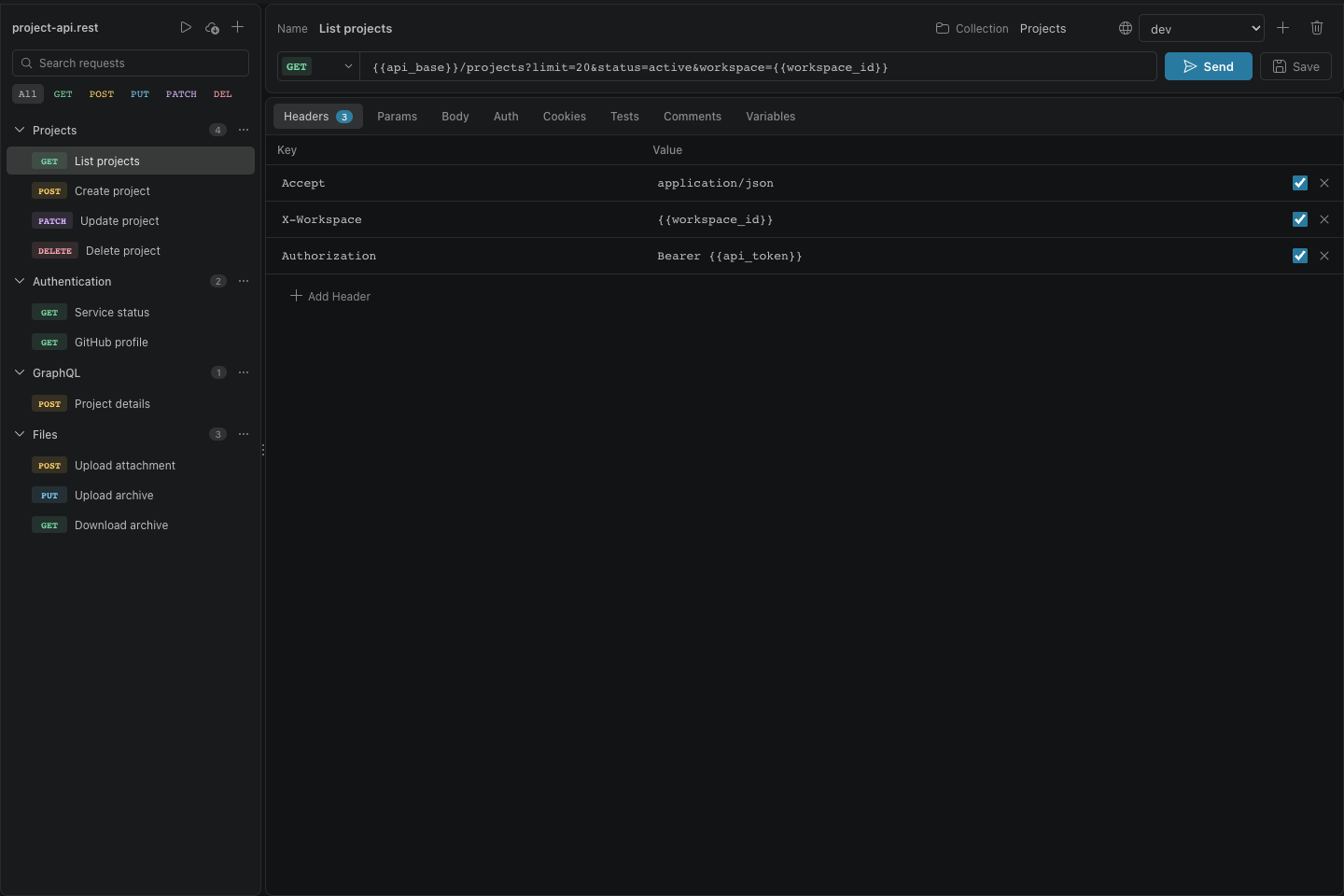
Visual REST Client
A graphical editor and secure, cookie-aware HTTP client for .rest and .http files, built directly into VS Code.

About this tool
Browser developer tools and API docs share requests as cURL commands. The converter reads the method, URL, headers, basic auth, cookies, and body, including -d, --data-raw, --json, and -F form fields.
The .http output uses the format shared by REST Client for VS Code and Visual REST Client: the request line, headers, a blank line, and the body.
Runs entirely in your browser. Nothing you enter or open is uploaded.
Questions
- Which cURL options are supported?
- -X, -H, -d and its --data variants, --json, -u, -b, -F, -G, -I, and --url. Options that only change how cURL runs, such as -s, -L, -k, and --compressed, are ignored.
- Are secrets in the command sent anywhere?
- No. The command is parsed in your browser. Still, move tokens into variables before sharing a .http file.