 prawel.pl
HTTP Status Codes
Search every standard HTTP status code from 100 to 511, with what it means and when an API returns it.
61 status codes.
| Code | Name | Meaning |
|---|---|---|
| 100 | Continue Informational | The server received the request headers; the client can send the body. Sent after Expect: 100-continue. |
| 101 | Switching Protocols Informational | The server agrees to change protocol, for example to WebSocket after an Upgrade header. |
| 102 | Processing Informational | WebDAV: the server is still working on the request. Deprecated. |
| 103 | Early Hints Informational | Preliminary headers, usually Link preload hints, sent before the final response. |
| 200 | OK Success | The request succeeded. The body holds the result. |
| 201 | Created Success | A new resource was created, usually by POST or PUT. The Location header points to it. |
| 202 | Accepted Success | The request was accepted for processing but is not finished yet, as with background jobs. |
| 203 | Non-Authoritative Information Success | The response was modified by a proxy, not taken directly from the origin server. |
| 204 | No Content Success | The request succeeded and there is no body, common after DELETE or PUT. |
| 205 | Reset Content Success | The request succeeded; the client should reset the form or view that sent it. |
| 206 | Partial Content Success | The server returns only the byte range requested with a Range header, used for resumable downloads and media. |
| 207 | Multi-Status Success | WebDAV: the body holds separate status codes for several resources. |
| 208 | Already Reported Success | WebDAV: members of a binding were already listed earlier in the response. |
| 226 | IM Used Success | The response is the result of instance manipulations applied to the resource (delta encoding). |
| 300 | Multiple Choices Redirection | The resource has several representations, and the client should pick one. |
| 301 | Moved Permanently Redirection | The resource has a new permanent URL in the Location header. Clients may change POST to GET. |
| 302 | Found Redirection | Temporary redirect to the Location header. Clients may change POST to GET. |
| 303 | See Other Redirection | Fetch the result from the Location URL with GET, typically after a form POST. |
| 304 | Not Modified Redirection | The cached copy is still valid; returned for conditional requests with If-None-Match or If-Modified-Since. |
| 307 | Temporary Redirect Redirection | Temporary redirect that keeps the method and body. |
| 308 | Permanent Redirect Redirection | Permanent redirect that keeps the method and body. |
| 400 | Bad Request Client error | The server cannot process the request because of malformed syntax, invalid JSON, or failed validation. |
| 401 | Unauthorized Client error | Authentication is missing or invalid. Sign in or refresh the token and retry. The WWW-Authenticate header says how. |
| 402 | Payment Required Client error | Reserved; some APIs use it when a plan limit or payment is required. |
| 403 | Forbidden Client error | The server understood who you are and refuses the request: missing permission or scope. |
| 404 | Not Found Client error | No resource exists at this URL, or the server hides that it exists. |
| 405 | Method Not Allowed Client error | The URL exists but does not support this method. The Allow header lists the supported ones. |
| 406 | Not Acceptable Client error | The server cannot produce a response matching the Accept headers. |
| 407 | Proxy Authentication Required Client error | Authenticate with the proxy first, using Proxy-Authorization. |
| 408 | Request Timeout Client error | The server gave up waiting for the client to finish sending the request. |
| 409 | Conflict Client error | The request conflicts with the resource's current state, such as an edit conflict or duplicate. |
| 410 | Gone Client error | The resource was removed permanently and will not come back. |
| 411 | Length Required Client error | The server requires a Content-Length header. |
| 412 | Precondition Failed Client error | A condition such as If-Match failed, typically because someone else changed the resource first. |
| 413 | Content Too Large Client error | The request body is larger than the server accepts. |
| 414 | URI Too Long Client error | The URL is longer than the server accepts, often from too many query parameters. |
| 415 | Unsupported Media Type Client error | The server does not accept the body's Content-Type. |
| 416 | Range Not Satisfiable Client error | The requested byte range is outside the resource. |
| 417 | Expectation Failed Client error | The server cannot meet the Expect header. |
| 418 | I'm a teapot Client error | An April Fools' joke from RFC 2324, sometimes used for requests a server refuses on purpose. |
| 421 | Misdirected Request Client error | The request reached a server that cannot answer for this host, for example over a reused HTTP/2 connection. |
| 422 | Unprocessable Content Client error | The body is well-formed but fails validation. Many REST APIs use it for field errors. |
| 423 | Locked Client error | WebDAV: the resource is locked. |
| 424 | Failed Dependency Client error | WebDAV: the request failed because an earlier request failed. |
| 425 | Too Early Client error | The server will not process a request that might be replayed, such as TLS early data. |
| 426 | Upgrade Required Client error | Switch to the protocol named in the Upgrade header. |
| 428 | Precondition Required Client error | The server requires a conditional request, such as If-Match, to prevent lost updates. |
| 429 | Too Many Requests Client error | Rate limit exceeded. Wait for the time in the Retry-After header before retrying. |
| 431 | Request Header Fields Too Large Client error | The headers are too large, often because of oversized cookies. |
| 451 | Unavailable For Legal Reasons Client error | The resource is blocked for legal reasons. |
| 500 | Internal Server Error Server error | An unexpected error on the server. Retry later and check the server logs. |
| 501 | Not Implemented Server error | The server does not support the functionality the request needs. |
| 502 | Bad Gateway Server error | A gateway or proxy got an invalid response from the upstream server. |
| 503 | Service Unavailable Server error | The server is overloaded or down for maintenance. Retry-After may say when to come back. |
| 504 | Gateway Timeout Server error | A gateway or proxy did not get a response from the upstream server in time. |
| 505 | HTTP Version Not Supported Server error | The server does not support the request's HTTP version. |
| 506 | Variant Also Negotiates Server error | Server configuration error in content negotiation. |
| 507 | Insufficient Storage Server error | WebDAV: the server cannot store what is needed to complete the request. |
| 508 | Loop Detected Server error | WebDAV: the server found an infinite loop while processing the request. |
| 510 | Not Extended Server error | Further extensions to the request are required. |
| 511 | Network Authentication Required Server error | Sign in to the network first, as with a captive portal on public Wi-Fi. |
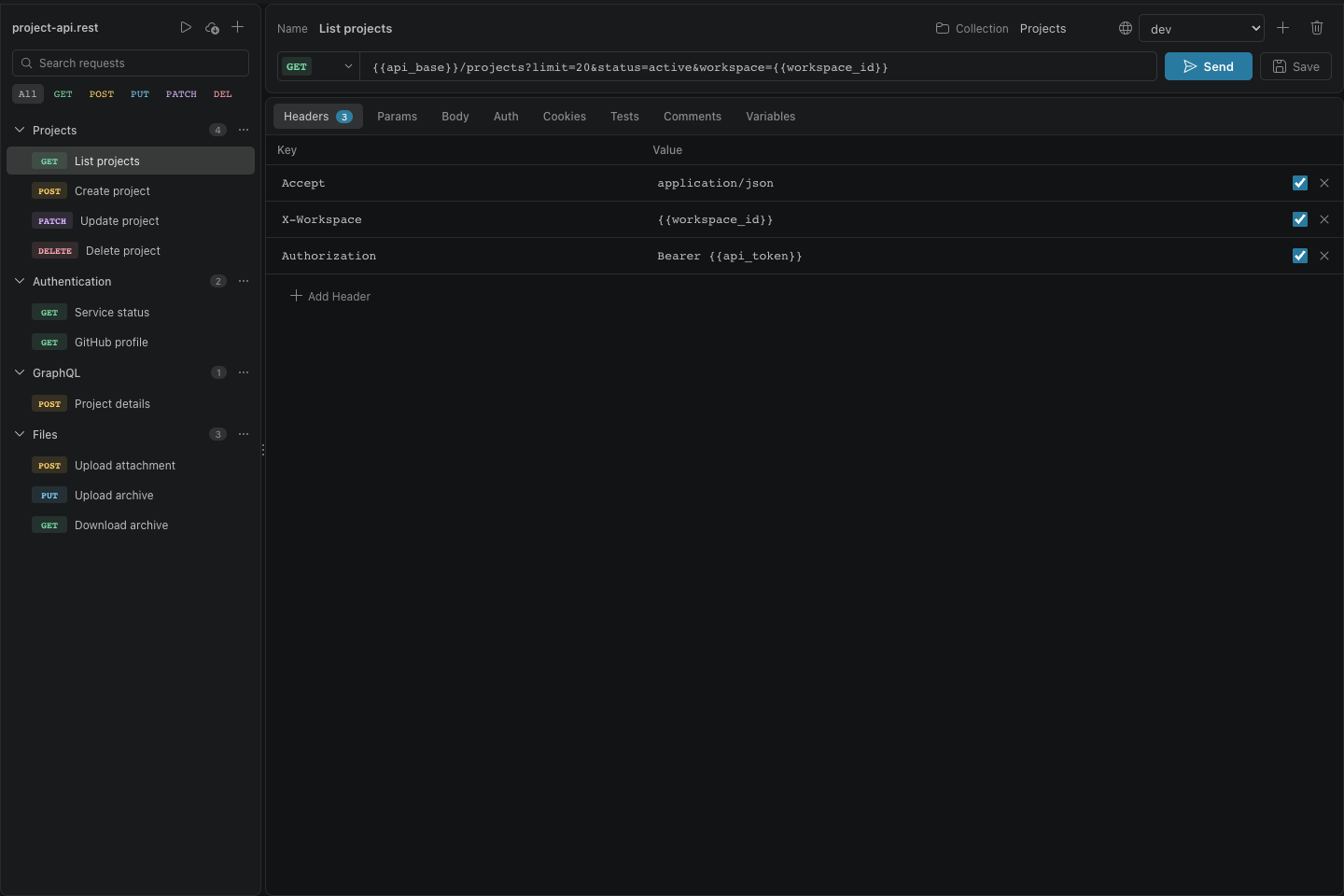
Visual REST Client
A graphical editor and secure, cookie-aware HTTP client for .rest and .http files, built directly into VS Code.

About this tool
Status codes are grouped by their first digit: 1xx informational, 2xx success, 3xx redirection, 4xx client errors, and 5xx server errors.
Type a number or a word such as auth, redirect, or limit to filter the list.
Runs entirely in your browser. Nothing you enter or open is uploaded.
Questions
- What is the difference between 401 and 403?
- 401 Unauthorized means the request has no valid credentials: sign in and retry. 403 Forbidden means the server knows who you are and still refuses.
- When should an API return 204?
- When the request succeeded and there is no body to return, for example after a DELETE.